Moosky AI field guide
How to Write an AI Video Prompt in ChatGPT, Then Generate the Clip in Moosky
Use ChatGPT to draft beats, a shot list, and dialogue for free, then paste the prompt into Moosky and pay only once the shot is defined.
On this page
How to Write an AI Video Prompt in ChatGPT, Then Generate the Clip in Moosky
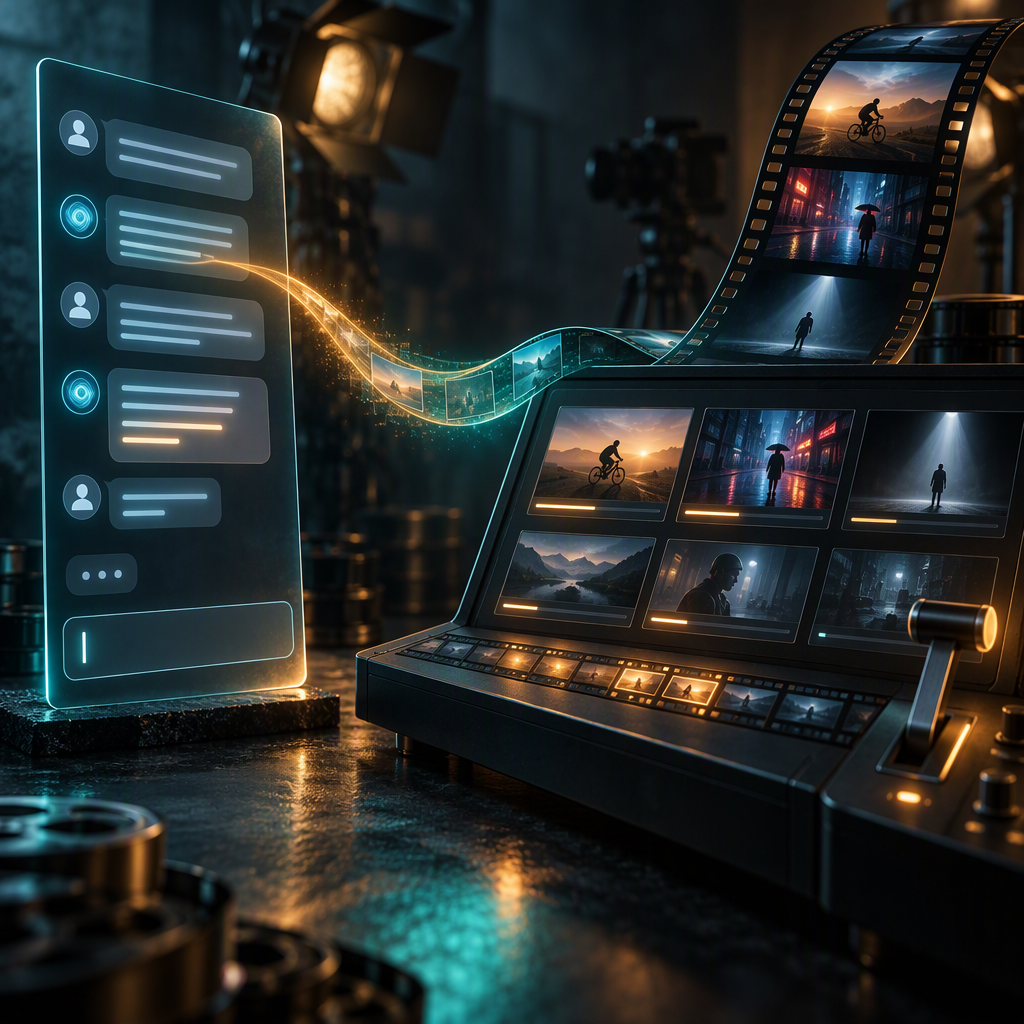
The fastest way to a good AI video is usually through a text chat you already have open. ChatGPT is genuinely good at the writing half of the job — turning a fuzzy idea into beats, a shot list, dialogue, and camera language — and it is structurally bad at the rendering half, because no chat assistant can show you what your money will actually buy until you press generate on a real video engine. The workflow that gets out of this gap is the two-tool loop: draft and pressure-test the prompt in ChatGPT for free, then paste the finished prompt into Moosky (or the whole scene plan into Project Director) and pay only once the shot is defined.
This guide is that loop, end to end: the brief you give ChatGPT, the three things you make it produce, how to fix a weak draft without a rewrite, where to paste it, and exactly what each step costs in credits.
Why split the job between two tools
Video models spend most of their attention budget on the first half of a prompt, and they cannot ask you what you meant. That is a writing problem, and writing is what large chat models are actually good at. ChatGPT can hold a conversation about your idea, reformat it into shot lists, and generate dialogue in a voice you approve of, all before you spend a credit.
Moosky is the opposite shape: it does not chat about your idea, it renders it on named engines (Wan 3.0, Seedance 2.5, LTX 2.5, MiniMax H3), quotes the exact credit cost before you press generate, and automatically refunds failed runs. The quote-before-you-pay step is the whole reason the drafting phase matters: a prompt ChatGPT wrote in one pass and you re-rolled eleven times is a worse deal than a prompt you spent twenty free minutes on and rendered twice.
So: chat where ideas get clarified, render where cost is quoted.
Step 1: Give ChatGPT a role, not a wish
The failure mode of prompt-drafting with a chat model is asking "write me a prompt for a video about X" and accepting the first answer. You will get adjectives. What you want is a working brief. Paste something like this and fill the brackets:
You are a video prompt writer for text-to-video models. I need prompts
that name a subject, an action, a setting, camera (shot size, angle,
movement), and one coherent style cluster (lighting, grade, texture).
My idea: [what you want to make]. Audience: [who watches this].
Length: [5-15s clip or N-scene short]. Do not write the prompt yet —
first ask me the five most important questions about the idea.
The "ask me questions first" line is load-bearing. A chat model writing to a wish produces generic b-roll; a chat model writing to answered questions produces a shot plan. Answer in plain sentences — you should not have to know what a "dolly along" is at this stage.
Step 2: Make it produce three artifacts, not one blob
Ask for the output in three parts, in this order, and paste each somewhere you can edit it:
- The beats. Three to five moments in sequence, each one sentence, each naming what changes on screen. If a beat does not contain a change, it is a still photo with extra words. For multi-scene projects, this is the same beat sheet Project Director wants as its brief.
- The shot list. One line per beat: subject, action, setting, camera, style, in that order — the five-slot structure that prompts are weighted against. Ask ChatGPT to give you one version per beat, then pick.
- The dialogue or voiceover, if any. Written in the actual words you want heard, in the target language, with approximate syllable counts per line so you know which lines will not fit inside the clip duration you asked for.
Ask for the whole thing again as one block per shot, so the paste-able unit is a single paragraph. The reason: every composer input field expects one shot's prompt, not your planning document.
Step 3: Pressure-test the draft for two minutes, free of charge
Before you paste, send the draft back through ChatGPT with three requests. This is where the loop earns its keep:
- "Rewrite the camera clause so a real director could execute it on set." Sweeping cinematic footage becomes drone shot ascending over a ridge line at sunrise, slow upward tilt. If a human DP could not execute the clause, the model will not either.
- "Give me three variants of this shot at three different shot sizes, keeping everything else identical." This is how you find the shot you actually wanted without paying for three generations.
- "Cut every adjective that does not change the image." Style-word soup (cyberpunk, vintage, pastel, high-contrast, all at once) resolves into mush; one coherent cluster survives.
One more free check: paste the draft in as text and ask what a content filter might reject in it. Rejections cost zero credits on Moosky, but they cost a cycle you did not need to spend — the prompt-rejection guide covers what the gate enforces.
Step 4: Paste into Moosky — and pick the right entry point
Where the text lands depends on what you built:
- A single shot becomes a text-to-video run. Wan 3.0 is the generalist; the honest per-take prices below make the tier choice obvious.
- A still you or ChatGPT sourced becomes an image-to-video run. The keyframe is the cheapest quality lever you have — image models bill in single-digit credits, so a keyframe you approve for cents prevents a five-dollar clip you throw away.
- A recurring character, product, or style becomes a reference-to-video run, where your references carry identity through every clip instead of ChatGPT hoping the model re-invents the same face per shot.
- A multi-scene beat sheet with dialogue belongs in Project Director: paste the beat sheet as the brief and it plans the scene list, then quotes the whole project before a single credit moves. New accounts get a free planning allowance there precisely for this step.
Step 5: Spend like the draft is free, because you made it cheap
Every credit figure below is computed from the same pricing code that drives the live composers, checked against the live billing config (100 credits = $1 USD, failed runs refunded, the exact quote is shown before generate — see the credit-math guide for the full derivation):
| Engine / setting | Credits per take | Rough cost |
|---|---|---|
| Wan 3.0, 5s @ 480P | 49 | $0.49 |
| MiniMax H3, 5s @ 768P | 60 | $0.60 |
| LTX 2.5, 5s @ 720P | 80 | $0.80 |
| Seedance 2.5, 10s @ 1080P | 1,267 | $12.67 |
The discipline this enables is boring and correct: judge motion, framing, and dialogue at the draft tiers — a take is fifty to eighty credits — and spend the hero render once, on the prompt ChatGPT already got right. Twenty drafts at the floor tier is under ten dollars; one unlucky premium hero is more than everything before it. The prompt you pressure-tested in chat is what collapses "eleven takes to keeper" into two or three.
What ChatGPT cannot do for you here, honestly
It cannot see your render, so keep the loop manual: generate, watch, bring back the specific failure ("the camera drifted; make the static lock-off explicit") rather than re-rolling blind. It does not know your engine's guardrails, so expect the occasional compliant-wording rewrite via the rejection guide above. And its first draft is a first draft — the value is in the two-minute pressure test, not in accepting the blob.
Start at moosky.ai/start with a ChatGPT-briefed prompt, draft at the floor tier, and pay for the hero only once the shot is earned.
Create with Moosky AI
Turn ideas into finished productions
Access leading AI models and production workflows from one workspace.
Try Moosky AIComments
Comments are reviewed before they appear publicly.
Join the discussion — sign in or create an account to leave a comment.
No approved comments yet. Start the conversation.