Moosky AI field guide
How to Edit Images with AI: The GPT Image 2.5 Workflow
Edit images with AI using GPT Image 2.5: a mask-free prompt-to-edit workflow, honest credit costs, and three worked examples.
On this page
How to Edit Images with AI: The GPT Image 2.5 Workflow
Most "AI image editing" guides describe one engine: hand over a photo, describe the change, get a new render. GPT Image 2.5 belongs in that workflow for narrower reasons, and knowing which ones is the difference between a usable first-pass edit and paying for a model that over-reaches.
In our production traffic over the last few days it was the second-most-used image model in the account funnel: 13 successful executions out of 14 attempts, the lone failure a content-filter rejection rather than a broken generation. High demand usually signals a default pick. It isn't one. It is the escalation tier, and this guide covers when to reach for it and what a run should cost.
Instructions, not masks
GPT Image 2.5 on Moosky has no brush. No mask to paint, no region to select, no layer to lock. You attach the image, write what should change in ordinary sentences, and the model rebuilds the frame with that change applied. The shape cuts both ways:
- Changes that need rotoscoping by hand (swap the backdrop, retime to golden hour, drop the person on the left) are one sentence, since the model invents plausible, matched-lighting content where the old pixels were.
- There is no "only touch this spot" mode. A holistic model can over-reach on a targeted cleanup, and 2.5 bills high enough that over-reach costs money. That job belongs to a cheaper local-edit tool.
The prompt shape built into the product is blunt: state the intended change first, then say what should stay stable (pose, framing, text, lighting, background). The order is not ceremonial; the model reads the sentence roughly in that priority, so a prompt that leads with "keep everything" and buries the edit returns an untouched picture and a bill that says otherwise.
What earns 2.5 its premium is the quality of the "keep": it preserves details the prompt doesn't mention more faithfully than most models in its lane. That makes it the one-shot tier for edits of things that must stay recognizable, a face, a product label, a hero shot you already like except for one thing.
Where it belongs in the lineup
Strong fits. Exact, readable English text rendered into the image: a headline on a banner, a label on a mockup. Single-frame commercial polish for heroes, ad creative, and product plates. Complex spatial environments, where furniture, perspective, and light must agree. Strict likeness from several reference photos at once. Holistic edits where most of the frame should survive.
Weak fits. Targeted spot cleanup (route it to a low-cost local-edit model). Multilingual or non-Latin lettering, where cheaper specialists do better. Multi-panel layout sheets and storyboard plates, which want a composition-focused model instead.
If your job is "right photo, wrong everything else" and readable text matters, this is the tool. If it is "right photo, one blemish," it is the wrong one.
The credit math, honestly
2.5 does not bill like a normal image model, and the old assumption, bigger pixels meaning a proportionally bigger bill, is wrong here. Output is token-metered: you pay per generated image token, and those tokens scale with the quality tier far more than with resolution. Three consequences:
- Low quality is a genuinely cheap draft tier, not a rounding-error discount. A square 1K image generated from the prompt alone — no attached base photo — bills roughly 1 credit at low, about 2 at medium, and around 7 at high (100 credits to the dollar). Attaching your photo as the base adds input tokens, a few credits on a 1K square. A batch of low-tier drafts to test edit directions costs pocket change; a mis-set "high" on a throwaway costs seven times as much.
- Resolution is nearly free by comparison. The rates climb only modestly up the size menu, and 4K generated from the prompt alone bills roughly 2 / 4 / 14 credits across the three tiers. Once an edit is locked at medium, re-rendering the winner at 4K high is a real decision, not a punishing one. Iterating at high is the punishing one.
- References cost too. Input tokens are metered, so every attached reference adds to the estimate. The quote appears before you run and failed executions are refunded.
The workflow is a ladder: medium by default, low to explore, high only for the asset where on-screen text must be exact or the image goes in front of a client. Draft cheaply, escalate once.
The settings that matter
Four controls:
- Input image is optional. Attach it and the model edits that frame; omit it and the same composer generates from prompt and references instead. It can also pull a still from a video, so editing a frame you filmed is one upload, not a screenshot.
- Reference images, up to eight on top of the base. A reference does what words can't: "match the lighting of Image 1" beats three sentences about warmth. Attachment order is meaningful, because prompts citing "Image 1 / Image 2" resolve in the order you added them.
- Resolution comes as fixed buckets, each with its own quoted cost: a 1K square (the default), 720P twins, a 3:2 pair, 1080P, 2K, 1440P, and 4K. Pick the shape you'll publish; cropping a square render throws away edge detail you paid for.
- Quality is the cost lever above: low, medium, high.
Three worked examples
1. The banner that needs a real headline. You have a product photo on a neutral background and need a launch banner reading "Early access is open" across it. Most models garble lettering; 2.5's typography tag exists because this is its job. Prompt: Add a bold sans-serif headline across the upper third reading "Early access is open" in white with a soft drop shadow; keep the product, its position, and the background lighting unchanged. Run medium, then high on the winning frame.
2. The portrait that's right except for the light. A headshot with a good expression, flat indoor light, and a cluttered corner. One holistic edit: Relight as soft window light from camera left with warm falloff in the shadows, and replace the cluttered shelf behind with a plain warm-grey wall; keep the face, hair, expression, and clothing exactly as they are. Tight crops are where identity drift bites hardest, so name the identity explicitly rather than trusting the base frame alone.
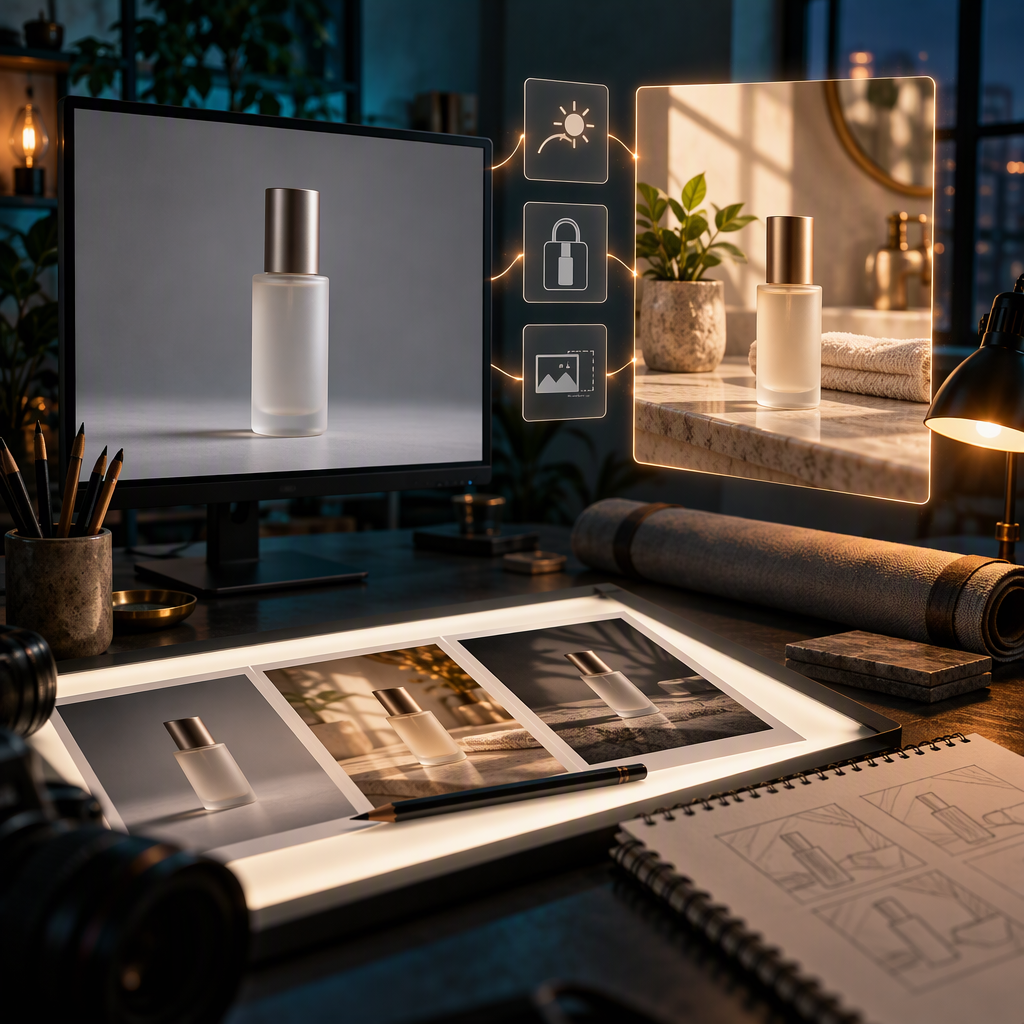
3. The multi-reference composite. You have a photo of your bottle, a screenshot of a scene you like, and a swatch of a brand color. Attach all three (the prompt cites them, so order matters): Place the bottle from Image 1 on the marble counter from Image 2, lit with the teal accent tone of Image 3, casting a soft shadow to the right; keep the bottle's label artwork unchanged. One frame from three sources is where the reference budget pays for itself; check the estimate first, since each source adds input tokens.
The failure modes, priced
Because the model rebuilds the whole frame, bad edits arrive in recognizable shapes, each with a one-line fix:
- Everything drifted; the product is subtly wrong. Your keep-list was too vague. Name every surviving element specifically: "keep the label artwork and the bottle's angle stable," not a bare "keep the product."
- A cleanup ballooned into a full re-render. Wrong tool, not a bad prompt. Spot fixes want a cheap local-cleanup model.
- The run died at the content filter. 2.5 enforces a strict policy gate; one of the fourteen runs in our traffic window was refused before reaching the model. Refusals are usually a phrasing problem, not a picture problem.
Questions
How is this different from editing with Wan 2.7 Image? Wan 2.7 is the better everyday editor for restyle-and-replace jobs at a gentler price. GPT Image 2.5 is the tier you escalate to when the frame needs readable English text, commercial finish, strict multi-photo likeness, or the widest possible preservation of what you don't mention. Both are prompt-to-output; neither needs a mask.
Can I try it without a card? New Moosky accounts get signup credits covering a first batch of draft-tier edits; after that it is pay-as-you-go credits (100 per US dollar), no subscription, no expiry.
What's the maximum size? 4K landscape or portrait, roughly 14 credits at high quality on the measured rate card (from the prompt alone; an attached base photo adds input tokens), quoted before you run.
Try it
Open the image editor, pick GPT Image 2.5, attach the photo, and read the credit estimate before generating. The image editing tools page covers the wider lineup, and the GPT Image registry page has the model details. If your edits are cosmetic swaps rather than precision keeps, start with the Wan 2.7 image-editing guide and save this tier for finals. Leitor brasileiro? A versão em português brasileiro, escrita nativamente para o mercado PT-BR com a mesma conta de créditos aberta, vive em Como editar imagens com IA: o workflow do GPT Image 2.5.
Create with Moosky AI
Turn ideas into finished productions
Access leading AI models and production workflows from one workspace.
Try Moosky AIComments
Comments are reviewed before they appear publicly.
Join the discussion — sign in or create an account to leave a comment.
No approved comments yet. Start the conversation.