Moosky AI field guide
How to Make a Drama Series with AI: From Logline to Serialized Episodes
Turn a logline into a serialized AI drama season: reference-kit the cast, break beats, draft cheap, hero-render the survivors, and know the credit cost.
On this page
How to Make a Drama Series with AI: From Logline to Serialized Episodes
Drama is the hardest thing to make with AI video, and not for the reason people expect. The models can produce a beautiful five-second shot — moody lighting, a convincing performance, a camera move that would need a dolly and a crew. What they will not do by themselves is remember. Episode two forgets the face from episode one, the grade drifts between scenes, and the arc nobody planned turns into a mood board with a soundtrack. Single clips are cheap now; serialized drama — the same cast, the same world, an actual story — is where the craft moved to.
This guide is that craft, end to end: how to take a one-sentence logline and end up with episodes that feel like one show, which model to spend on which beat, what an episode actually costs in credits, and the failure modes that make episodic AI drama collapse between installments. It is the workflow companion to our AI drama series generator page; that page is what the tool does, this one is how to run the production.
Why serialized drama breaks where single clips do not
A one-off clip only has to survive its own five seconds. A series has three things to survive across every episode:
- Identity. The lead has to be recognizably the same actor in the pilot and the finale — same face, same wardrobe, same proportions — under different angles and lighting.
- The world. Same grade, same sets, same props register. A warm noir kitchen in episode one cannot become a flat commercial-lit kitchen in episode three.
- The arc. Serialized drama pays off setups. If the beats were never planned, there is nothing to pay off, and each episode is just a prettier clip.
Every step below exists to defend one of those three. The single biggest beginner mistake is generating first and planning never — the engine gives you a stunning scene and then punishes you for wanting its sequel.
Step 0: The logline is a contract, write it like one
A logline for a series is not a premise. "A paramedic uncovers corruption in her city" is a premise. A logline commits to the engine of the show: who wants what, what stands in the way, and why this generates episodes rather than one story. A good test: if you cannot sketch three escalating complications from it, it is a short film, not a series.
Write three things before you touch any generator:
- The logline, one sentence, with the engine inside it.
- The season arc in five to eight sentences — beginning, midpoint turn, collapse, endgame. Six-episode micro-drama is the practical unit for AI series: long enough to serialize, short enough to actually finish.
- A tone note that you will reuse verbatim in every prompt: the grade ("desaturated teal with tungsten practicals"), the lens register ("35mm, shallow depth"), the period and place. Consistency in the words is what buys consistency in the pictures.
If you want a worked example of the tooling side — briefing a producer agent in plain language and approving scenes before anything renders — our Project Director first-video walkthrough covers the click path with a 30-second teaser; a season brief is the same loop with an episode list attached.
Step 1: Lock the cast before episode one, not during
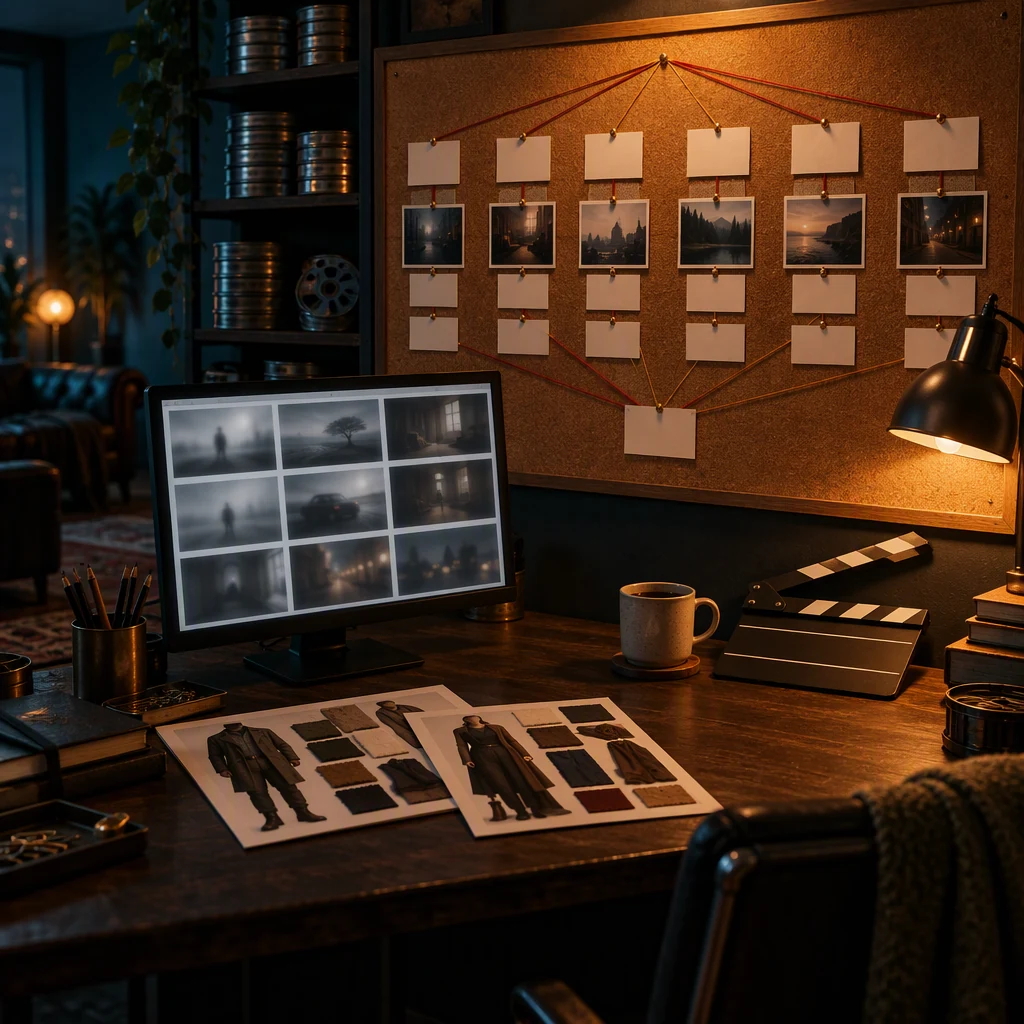
Character drift is the number-one reason an AI series looks amateur, and it is fully preventable — if you do it early. Build each principal as a reference kit before rendering any story scene:
- A neutral head-on sheet and a three-quarter sheet of the character, generated once, curated to the two or three images that are unmistakably the same person.
- A wardrobe still per costume the character wears across episodes. Keep it: "same green field jacket" only means something if the jacket is a reference, not a description.
- A location sheet per recurring set — the kitchen from the doorway, the bar from the bar side.
Attach these to every scene featuring that character. On reference-aware engines this is the difference between "a woman who looks vaguely like the lead" and "the lead." Wan 3.0's reference-sheet locking is built for exactly this — same face, wardrobe, and set bound across scenes — and first/last-frame scripting lets you pin where a scene starts and ends, which is how a cold open resolves where you actually planned it. MiniMax H3 goes further per clip (up to nine reference images plus reference video and audio steering one performance) when a scene hinges on a specific delivery.
The discipline that matters: when a take drifts off-model, it is a reject, not a keeper you hope nobody notices. Flag it, retake it, or re-anchor it to the reference — the audience remembers faces even when the model does not.
Step 2: Break the season into beats before rendering anything
Serialization is a planning technology. Before a single frame, write the episode beats — for a six-episode micro-drama, roughly 15 to 25 beats per episode, one line each: who is present, what changes, what the viewer should feel. This is where a story-planning layer earns its keep: Moosky's Project Director turns the logline into the season arc, storylines, and per-episode scene lists in chat, and you approve the beats before anything renders. Approving in chat is not a gimmick — it is the cheapest place in the entire pipeline to kill a bad beat, versus the most expensive place, which is discovering it after a hero render.
Two craft rules that pay for themselves later:
- Each episode ends on a turn, not a stop. A beat list where episode three "just ends" is why audiences bounce; one where it ends on a reversal is why they continue.
- Tag every beat with its weight. Most beats are connective (a conversation that moves information); a few are premium (the confrontation, the reveal, the set piece). This tag is what your budget follows in the next step.
Step 3: Draft cheap, hero-render only the survivors
This is the step that separates a finished season from an abandoned pilot: the retake budget. The pricing structure is built for a writers' room, not a gambling habit — every run shows its exact credit quote first, and failed renders refund automatically, so an attempt you did not keep does not charge you twice.
Run every beat through a cheap drafting pass first:
- LTX 2.5 is the draft engine: native joint audio (dialogue, ambience, effects in the same pass), quoted at 80 credits for a five-second 720P take and 149 for ten seconds — pennies per attempt at 100 credits to the dollar. Alternate endings, wrong angles, and "what if the reveal comes earlier" experiments belong here.
- Wan 3.0 drafts for motion-heavy beats at similar cost (49 credits for five seconds at 480P, 164 for ten at 720P) while keeping your reference kit bound, so a cheap draft is still your scene, not a stranger's.
- Only the beats that survive the draft, plus the premium-tagged ones, get the hero pass on Seedance 2.5 — its 30-second continuous takes with native synced dialogue are why a confrontation can land in one breath instead of four stitched clips. That engine is quoted per output token, which is why a ten-second 1080P hero can run 1,267 credits where the same draft on LTX is a fraction of it.
The arithmetic this enforces is the honest kind: iterating on a premium engine is what makes AI video expensive; iterating on a draft engine and hero-rendering one survivor per scene is what makes a series tractable. The full math — cost per usable clip across all four engines, with the reroll table — is in our credit-math guide, and it is worth reading before your first season.
Step 4: Narration, cut, and the continuity pass
Episodes are more than shots in a row. Two finishing layers do the most work for the least cost:
- One narrator voice. CosyVoice's voice clone lets you define the narrator once (or a character's voice once) and reuse it across every episode's narration, captions, and VO — consistency as a feature rather than a nightly act of willpower. A recap cold-open in the same voice as episode one quietly stitches the season together.
- A continuity checklist per episode. Same grade across beats (compare the first and last frame of adjacent shots), wardrobe matches the story day, props present where they were left, screen direction held in consecutive coverage. Most "AI look" complaints are continuity failures, and they are catchable with a checklist, not a better model.
Export watermark-free when the episode passes the checklist, and keep the workspace open — the reference kits, the tone note, and the approved beat list are the franchise. Episode two starts at 80% done, which is the entire point of building serially instead of shot by shot.
What a season actually costs
Honest numbers, from the same credit tables as the quote screen (100 credits = $1):
A 20-beat episode, drafted on LTX 2.5 at ten seconds per beat (149 credits) is about 3,000 credits — roughly $30 of drafting. Hero-promoting the six premium beats to Seedance 2.5 at ten seconds, 720P (521 credits each) adds about 3,100, and the connective beats keep their Wan 3.0 draft passes (164 each, about 2,300). A finished episode lands in the tens of dollars, and a six-episode season is a four-figure credit decision, not a five-figure one — with the caveat that decides everything: the more you iterate on hero engines instead of draft engines, the faster "tens of dollars" becomes "hundreds." Quote discipline plus draft-first is what keeps the number honest.
Compare that to the alternative it replaces: a micro-drama shot for real needs a cast, a location, and a crew for every one of those beats, or a channel that never carries originals at all. The retakes that cost a production a day now cost a quoted run and an hour.
The failure modes, by name
- Drift you accepted. One off-model keeper early poisons the episode — references compound. Reject and re-anchor.
- The stitched confrontation. Eight-second clips jammed into one scene read as four scenes. Long beats go on an engine that runs 30 seconds in a single take.
- The arc you never wrote. If episode four could play before episode two, you do not have a series, and viewers can tell within a minute.
- Budget inverted. Drafting on the premium engine and heroing on nothing — the quote screen exists precisely so you never find this out in your balance.
Greenlight the season
The workflow in one line: commit to a logline with an engine inside it, lock the cast as reference kits before anything renders, break the season into beats and approve them cheap, draft every beat where retakes are pennies, hero-render the survivors, and finish with one voice and a continuity checklist. If you want the serialized pipeline for that — logline to episode beats, reference-bound cast, narration in the pass, per-episode credit quotes — the AI drama series generator is that workflow as a product, and Project Director is where you brief it. Start with one logline and one pilot episode; a season is just a pilot with patience attached.
Create with Moosky AI
Turn ideas into finished productions
Access leading AI models and production workflows from one workspace.
Try Moosky AIComments
Comments are reviewed before they appear publicly.
Join the discussion — sign in or create an account to leave a comment.
No approved comments yet. Start the conversation.