Image to Video
Image to Video AI.
Photo to Video.
Animate a Picture in Seconds.
Upload a picture and the model animates it: camera motion, real physics, even speech and sound. Photo to video on Moosky runs on three image-to-video AI engines — LTX-2.5, Wan 3.0, and Seedance 2 — pay per clip with credits, no subscription, no watermark.
Model Options
Choose the workflow that fits your scene
Start with a prompt, add references when needed, and pick the generation path that matches the output.
LTX-2.5
LTX's current generation animates a single frame with fluid motion and joint audio-video — ideal for bringing a photo to life quickly and cheaply.
Wan 3.0
Wan 3.0 supports first-frame and first-last-frame control: give it a start image (and optional end image) and it films the move between them. Strong on action and camera work.
Seedance 2.0
Seedance 2.0's first/last-frame mode produces the most film-like results — use it for hero shots where the look matters more than the price.
Example Outputs
Photos animated on Moosky
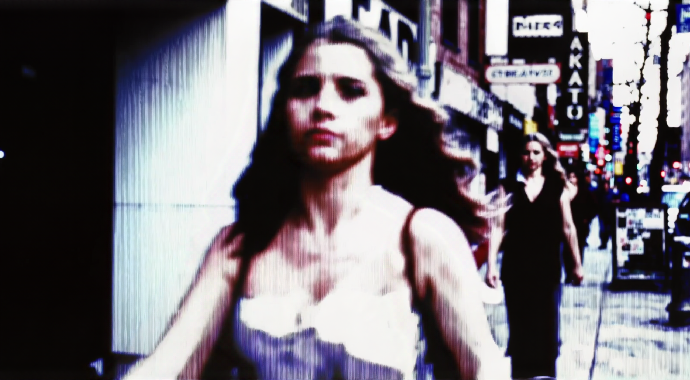
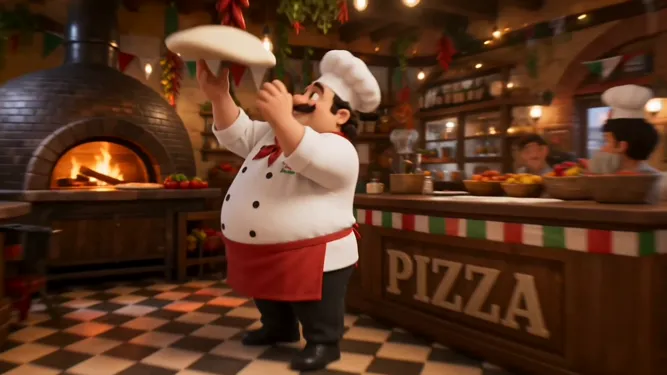
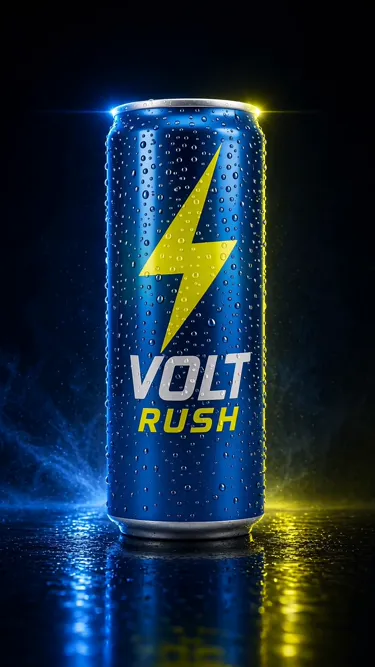
Real clips generated from single still frames.
Why use it on Moosky AI
Powerful tools. Seamless experience.
One frame is enough
Upload any photo, portrait, product shot, or AI-generated image — it becomes the first frame of the clip.
First/last frame control
On Wan 3.0 and Seedance 2 you can supply both an opening and closing image and let the model film what happens between them.
Motion with sound
Newer engines render audio alongside video — footsteps, ambience, even dialogue — not silent GIFs.
Pay per clip
Credits at 100 per $1 with the cost shown before you run. No monthly subscription for a tool you use on projects.
No watermark
Downloaded clips are clean and usable commercially in ads, shorts, and client work.
Three engines, one balance
Draft cheap on LTX-2.5, keyframe on Wan 3.0, finalize on Seedance 2 — same credits across all three.
How It Works
Three simple steps to finished output
Upload your image
A photo, product shot, portrait, or AI image — it becomes frame one.
Describe the motion
Camera push-in, hair in the wind, a smile forming — tell the model what should happen.
Generate the clip
Pick an engine, see the credit cost, render, and download clean video with audio.
What happens when you animate a picture
Image-to-video is the narrowest job an AI video model gets handed, which is why it is the most predictable one. Text-to-video has to invent the subject, the light, and the composition from a line of type; image-to-video starts from a frame you already approved — a product shot, a portrait, a keyframe. The look is locked before a credit is spent, so retakes are new motion lines, not new photoshoots.
Moosky runs three engines on one credit balance. LTX-2.5 is the drafting lane — one still in, a 1080p clip with synchronized audio out at the lowest cost. Wan 3.0 adds first/last-frame control, the mode for product loops and before-and-after reveals that must land on a specific final composition. Seedance 2.0 is the cinematic tier: film-like camera language, up to native 4K, for clips that go in front of a client.
Runway, Luma, and Pika bill monthly whether you rendered anything or not and lock their best photo-to-video modes behind plan tiers. Here the engine choice is yours per clip, the cost is quoted before the run, failed renders refund themselves, and credits wait until the next project needs them.
Credit-based
Simple, honest pricing
No subscriptions. No hidden fees. Pay only for the credits you use.

More from Moosky AI
Explore our complete suite of AI tools.
Frequently Asked Questions
How much does image-to-video AI cost per clip?
You pay per clip with credits — 100 credits per $1 — and the exact cost is shown in the composer before you generate, so the price of your chosen engine, length, and resolution is quoted, not guessed. LTX-2.5 is the cheapest drafting lane, failed renders refund automatically, there is no subscription, and unspent credits never expire.
How do I turn an image into a video with AI?
Upload the image to an image-to-video model as the first frame, describe the motion you want in a prompt (camera move, subject action, mood), and generate. Models like LTX-2.5, Wan 3.0, and Seedance 2 handle it in under a minute on Moosky, and the clip costs a handful of credits.
What is the best free image-to-video AI?
Truly free tools water-mark your clips or cap you to a few seconds. On Moosky, new accounts get free credits to run their first image-to-video clips, then it is pay-per-credit with no watermark and no subscription — closer to free for testing, better for anything you publish.
Can AI animate a photo with sound?
Yes — the current generation of engines (LTX-2.5 among them) renders audio and video jointly, so an animated photo can have ambience, movement sounds, and even speech instead of arriving silent.
How long can image-to-video clips be?
Depends on the engine and your credit budget — typical runs are 5 to 10 seconds at up to 1080p. For longer sequences, generate multiple clips and stitch them, or let Project Director plan a multi-shot sequence for you.
Do I need a subscription to animate images?
No. Moosky is credit-based: buy what you need (100 credits per $1), pay only when a render runs, and failed generations are refunded automatically.
Disclosure
Moosky AI is an independent platform provider and reseller of AI model access. Product names, model names, and company names shown on this page belong to their respective owners. Moosky AI is not officially affiliated with, sponsored by, or endorsed by those providers unless expressly stated. Page content, examples, and previews may include AI-assisted and synthetic content.