Reference to Video (R2V)
Reference to Video.
Same Character.
Every Clip.
R2V turns a reference image or clip into a starring role. Feed the model your character, product, or voice and it keeps them consistent across every shot — the same mode searchers call Ref2V. No subscription, pay per generation with credits.
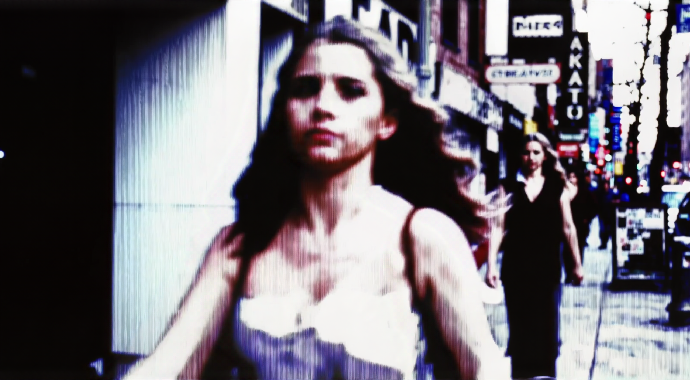
Model Options
Choose the workflow that fits your scene
Start with a prompt, add references when needed, and pick the generation path that matches the output.
MiniMax H3 R2V
Reference-to-video with per-reference voice and lip-synced dialogue. Best when your character has to speak: upload a face reference plus optional voice audio and the model performs the line.
Wan 3.0 R2V
Wan 3.0's reference mode keeps subjects consistent while handling stronger camera moves and action beats. A good fit when the shot needs energy, not just a talking face.
Seedance 2.0 R2V
Seedance 2.0's reference mode reads your reference sheet for cinematic framing — the lane between dialogue and action when the composition of the shot is what has to carry it.
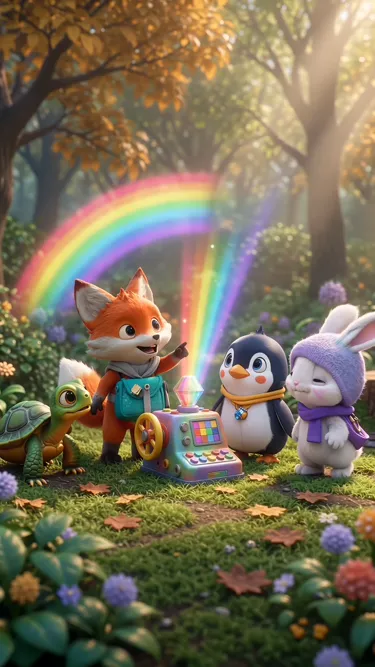
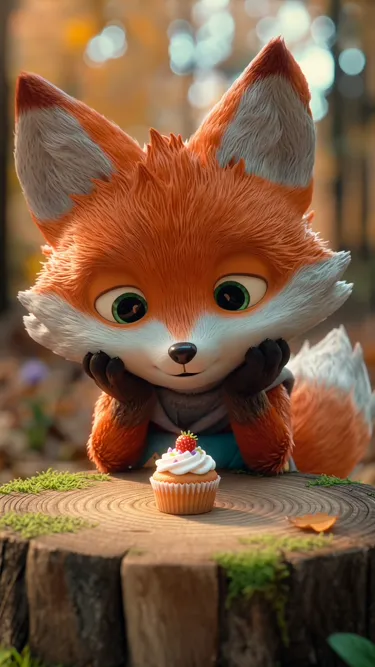
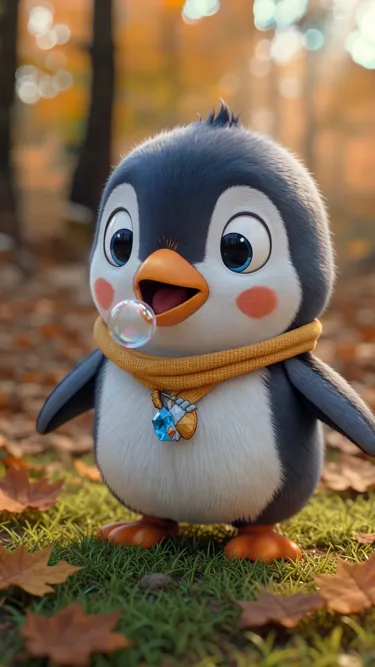
Example Outputs
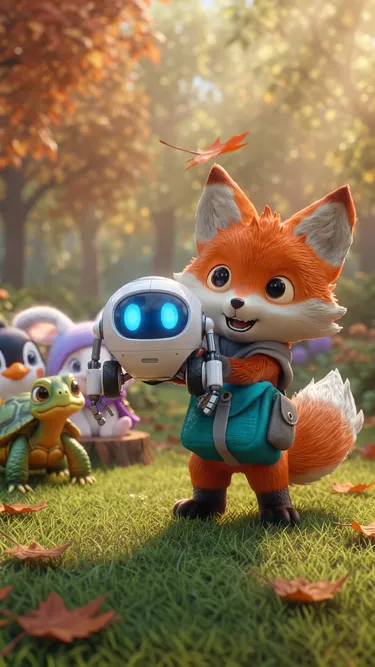
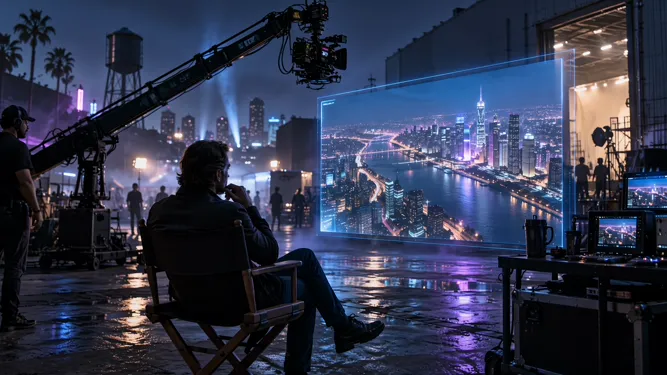
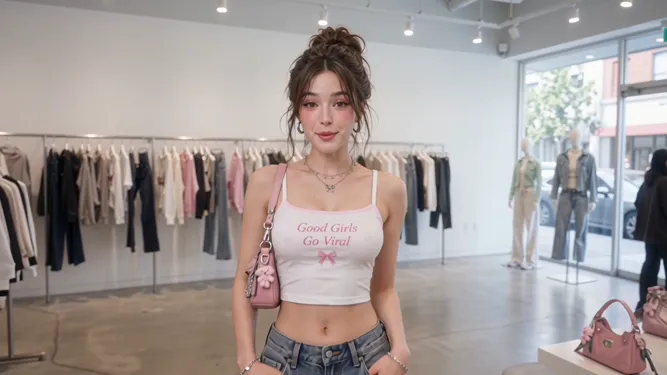
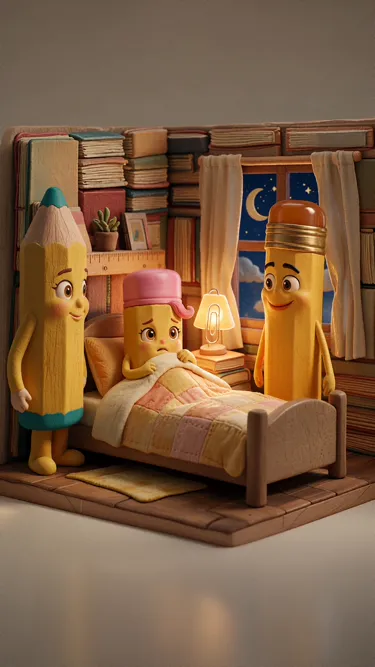
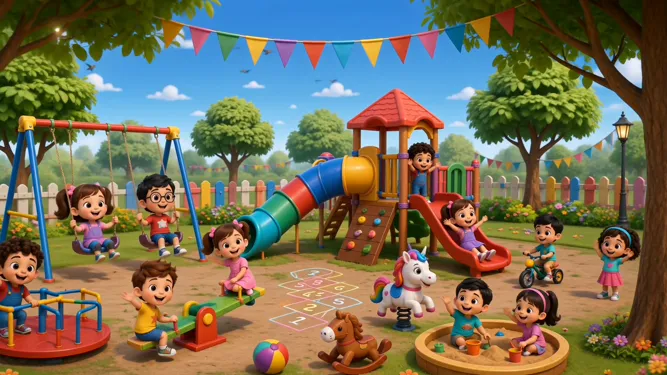
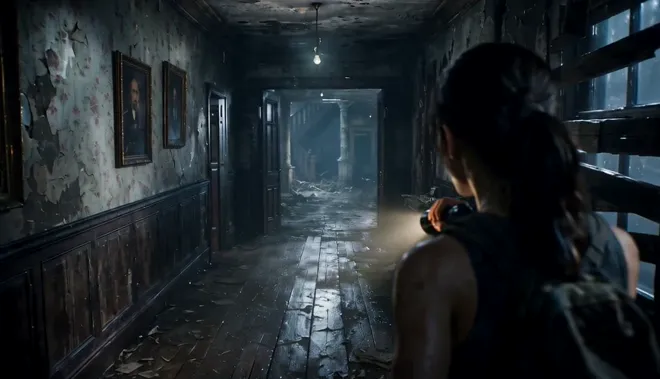
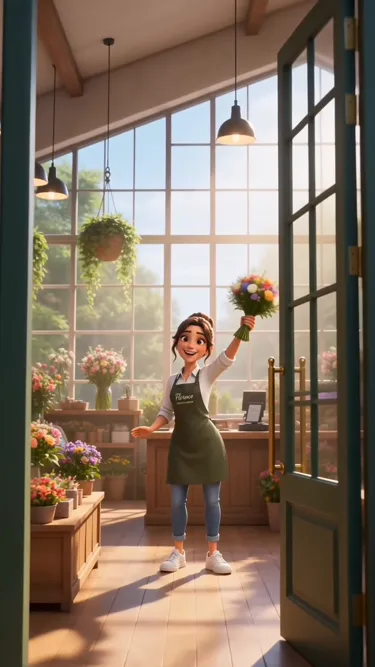
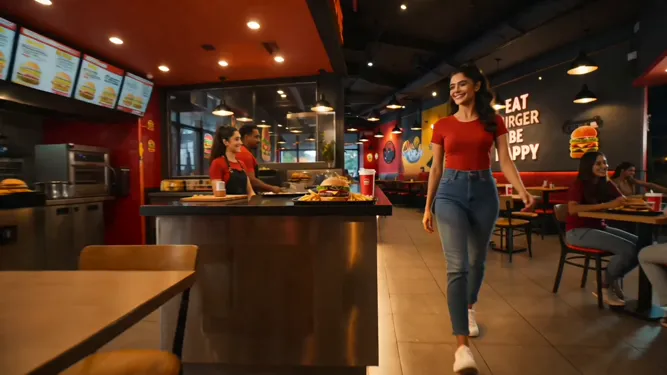
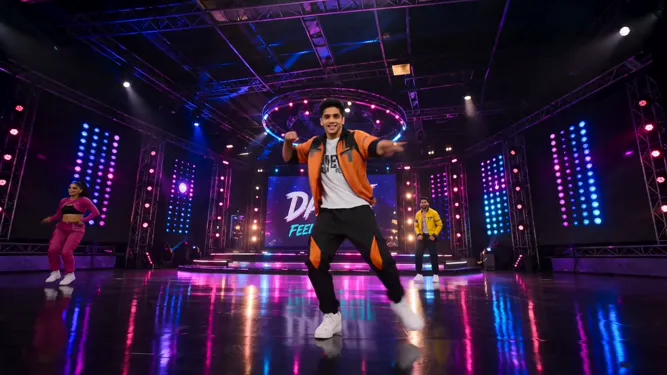
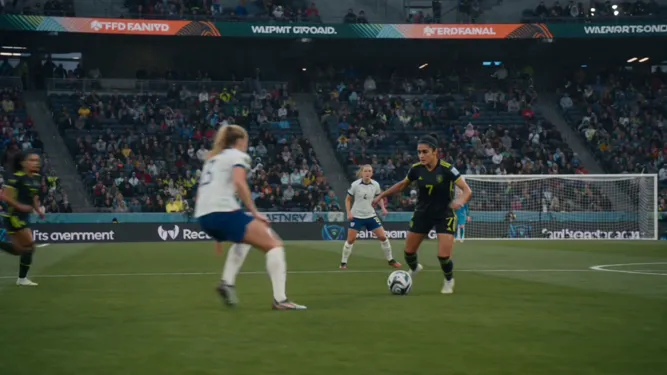
Character-consistent clips made with R2V
Real outputs from reference-driven generation on Moosky.


Why use it on Moosky AI
Powerful tools. Seamless experience.
Character consistency
The same face, outfit, and product across every clip in your project — not a new person each render.
Reference-driven audio
Attach voice references and get lip-synced speech that matches the person on screen.
Multi-character scenes
Give each character its own reference slot and keep the cast stable in shared shots.
Three R2V engines
Switch between MiniMax, Wan 3.0, and Seedance R2V from the same credit balance.
No subscription
Pay per generation. R2V is the fastest way to burn a subscription you barely use.
Commercial use
Use reference-driven clips in ads, shorts, and client work.
How It Works
Three simple steps to finished output
Upload references
Add a face or product image — and optionally a voice clip for dialogue scenes.
Describe the scene
Prompt the new shot: setting, action, camera. The reference carries the identity.
Generate consistent clips
Render on the R2V engine that fits and keep the same character across your project.
How R2V AI works on Moosky
"r2v ai" — typed ref2v when people copy MiniMax's spelling — is the shorthand for reference-to-video generation: you hand the model a reference sheet, a face, a product, a voice clip, and it conditions every render on them. The prompt writes the scene; the references lock the cast, so clip one and clip twenty show the same person.
Three engines run it, and the pick is about the job. MiniMax H3 R2V is the dialogue lane: per-reference voice and lip-synced lines. Wan 3.0 R2V is the motion lane — stronger camera moves and motion transfer from a reference clip. Seedance 2.0 R2V sits between them with cinematic framing. Every composer quotes the credit cost before you generate.
Reference work is iterative — re-shoots, restyles, one-more-versions — so Moosky bills per clip on a credit balance that never expires, on any engine. New to the mode? Our plain-English explainer covers how R2V differs from image-to-video; this page is where you make the clips.
Credit-based
Simple, honest pricing
No subscriptions. No hidden fees. Pay only for the credits you use.

More from Moosky AI
Explore our complete suite of AI tools.
Frequently Asked Questions
What is reference to video (R2V) in AI?
R2V is a generation mode where the model takes one or more reference images (or clips) and conditions the video on them, keeping a character, object, or style consistent from shot to shot. Instead of describing your hero in every prompt, you show the model what they look like once and it carries that identity through the scene.
How is R2V different from image to video?
Image-to-video animates one still frame — the picture itself becomes the first shot. R2V goes further: the references define identity, not composition, so you can place the same character in new scenes, angles, and outfits while they stay recognizably themselves.
Which R2V model should I choose?
Pick MiniMax H3 R2V when your characters speak — it handles per-reference voice and lip-synced dialogue best. Pick Wan 3.0 R2V when the shot is about motion and camera work. Seedance 2.0 R2V sits in between with strong cinematic framing. All three run on the same Moosky credits.
Can R2V keep the same character across multiple clips?
Yes — that is the point. Reuse the same reference image as the seed for every clip in the project and the model preserves the face and styling. For dialogue scenes, add a voice reference so the character sounds consistent too.
How much does R2V cost on Moosky?
R2V generations are billed in credits like everything else on Moosky (100 credits per $1), and the exact cost of each clip is shown in the composer before you run. There is no subscription and credits never expire — you pay for the clips you actually generate.
Is ref2V the same thing as R2V?
Yes — ref2v (also typed ref2va) is just the shorthand spelling of reference-to-video that MiniMax uses for H3's mode, and searchers use it for the whole category. Every clip on this page is a ref2v clip: whichever engine you pick conditions the render on your references. If your shot lives or dies on spoken dialogue and a carried voice, open the MiniMax H3 Ref2V page, which goes deep on that one mode; for cross-engine character work this hub is the starting point.
Disclosure
Moosky AI is an independent platform provider and reseller of AI model access. Product names, model names, and company names shown on this page belong to their respective owners. Moosky AI is not officially affiliated with, sponsored by, or endorsed by those providers unless expressly stated. Page content, examples, and previews may include AI-assisted and synthetic content.