Moosky Image Edit
GPU image editing with reference guidance
Make targeted edits or compose from up to two reference images with a cost-efficient Qwen Image Edit workflow on Moosky infrastructure.
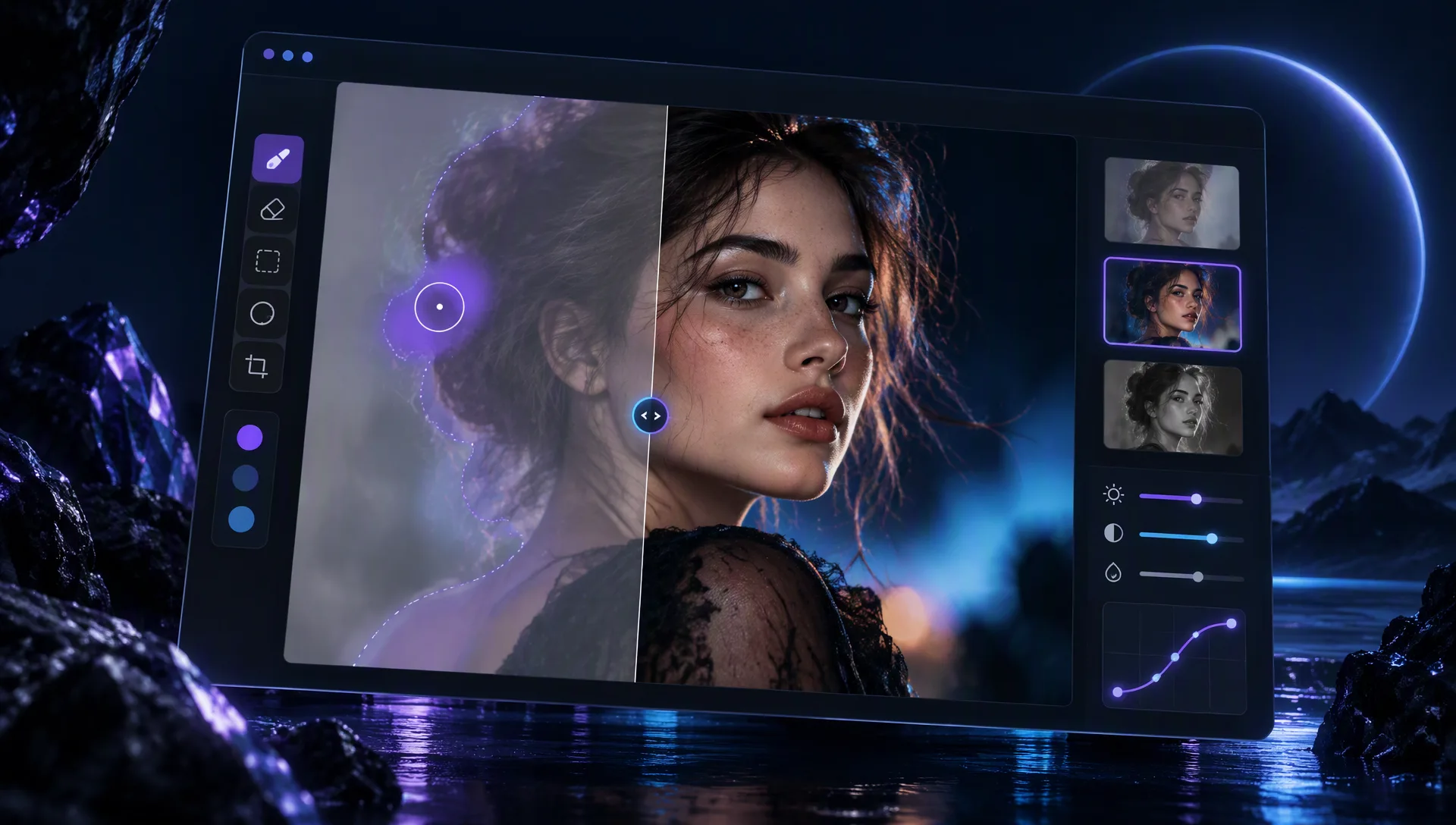
Model Overview
Moosky Image Edit
Moosky Image Edit is the budget-friendly GPU path for surgical image changes, reference-guided restyles, and iterative refinements when premium API models are more than you need.
Why use it on Moosky AI?
Model-specific controls with no subscription, clean outputs, and a workflow built for fast creative iteration.
No subscription required
Buy credits when you need them and pay only for what you generate.
No watermark
Clean outputs ready for professional creative workflows.
Natural language edits
Describe the change you want instead of masking and layering manually.
Reference guidance
Optional reference images help steer style, pose, and composition.
Commercial workflows
Use results in professional projects subject to platform and provider terms.
How it works
Three focused steps from setup to finished output.
Credit-based
Simple, honest pricing
Uses Moosky credits with cost shown before you generate. No subscription required.

More from Moosky AI
Explore our full suite of AI tools.
Frequently Asked Questions
When should I use Moosky Image Edit?
Use it for targeted edits, local changes, and budget-conscious iteration. Choose GPT Image 2.5 or Wan 2.7 Image for holistic one-shot composition or typography-heavy finals.
Do I need a base image?
You can omit the base image when generating from reference images only, but most edits start from an existing image you want to change.
How many reference images are supported?
Moosky Image Edit supports up to two reference images for style or composition guidance.