AI Image Generation
AI Image Generation.
No Subscription.
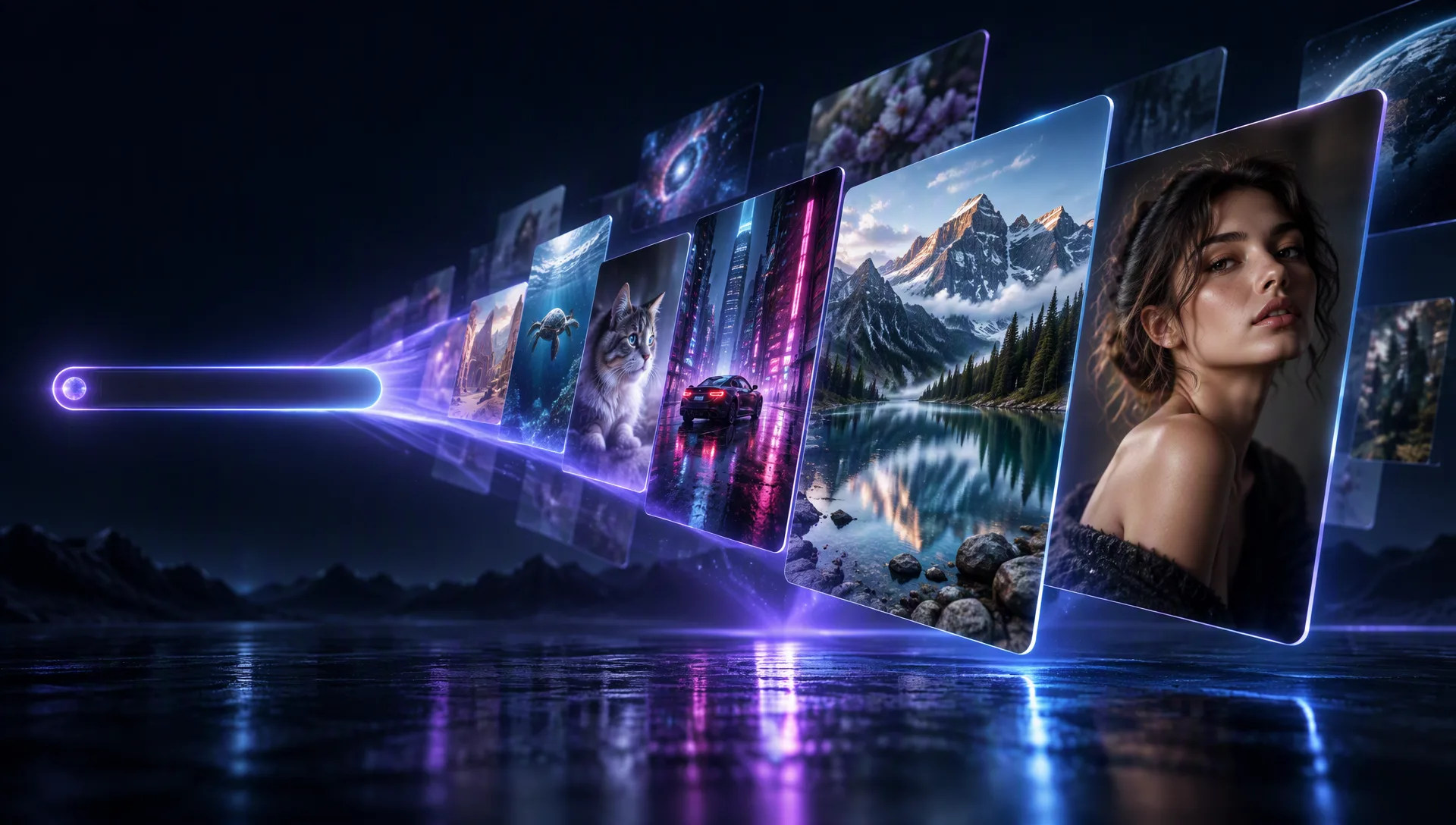
Draft quickly or render premium stills from a single prompt — choose the model that fits your speed, fidelity, and budget.
Model Options
Choose the workflow that fits your scene
Start with a prompt, add references when needed, and pick the generation path that matches the output.
Text to image
Describe the subject, style, lighting, and composition and get a clean still back — start with Z-Image Turbo for volume and speed.
Reference-ready models
Escalate to GPT Image 2.5, Seedream 5 Pro, or Wan 2.7 Image when you need typography, reference conditioning, or final-quality output.
Why use it on Moosky AI
Powerful tools. Seamless experience.
No subscription required
Buy credits when you need them instead of paying for an unused monthly plan.
No watermark
Download clean images ready for client or commercial workflows.
Fast drafts and premium finals
Use Z-Image Turbo for volume, then escalate to GPT Image 2.5 or Wan 2.7 Image for finals.
Flexible formats
Square, portrait, and landscape presets across GPU and API models.
Reference-ready APIs
Premium models support reference conditioning when composition matters.
Commercial use
Use outputs in professional projects subject to platform and provider terms.
How It Works
Three simple steps to finished output
Choose a model
Pick speed-first or premium text-to-image depending on your goal.
Write your prompt
Describe subject, style, lighting, and composition.
Download the image
Save the result or iterate with a new seed or settings.
Credit-based
Simple, honest pricing
No subscriptions. No hidden fees. Pay only for the credits you use.

More from Moosky AI
Explore our complete suite of AI tools.
Frequently Asked Questions
Which image model should I use first?
Start with Z-Image Turbo for fast drafts. Move to GPT Image 2.5 or Wan 2.7 Image when you need typography, references, or final-quality output.
Can I generate different aspect ratios?
Yes. Z-Image Turbo includes many preset ratios, while API models expose bucketed resolutions for common delivery sizes.
Is image editing separate from generation?
Yes. Text-to-image creates new stills from prompts. Image editing transforms an existing base image and lives under the Image Editing tool.
Disclosure
Moosky AI is an independent platform provider and reseller of AI model access. Product names, model names, and company names shown on this page belong to their respective owners. Moosky AI is not officially affiliated with, sponsored by, or endorsed by those providers unless expressly stated. Page content, examples, and previews may include AI-assisted and synthetic content.