Wan Video on Moosky
Wan Video, Made Cinematic.
Wan 3.0 on Moosky:
Ten‑Image Reference Kits.
Wan video is what people call the cinematic output of Wan 3.0: slow dolly moves, film-grade light, and 30-second single-pass stories. On Moosky, run it three ways — plain text-to-video, first/last-frame control, or reference-to-video with a kit of up to 10 images that keeps your character, product, or world identical across every take.
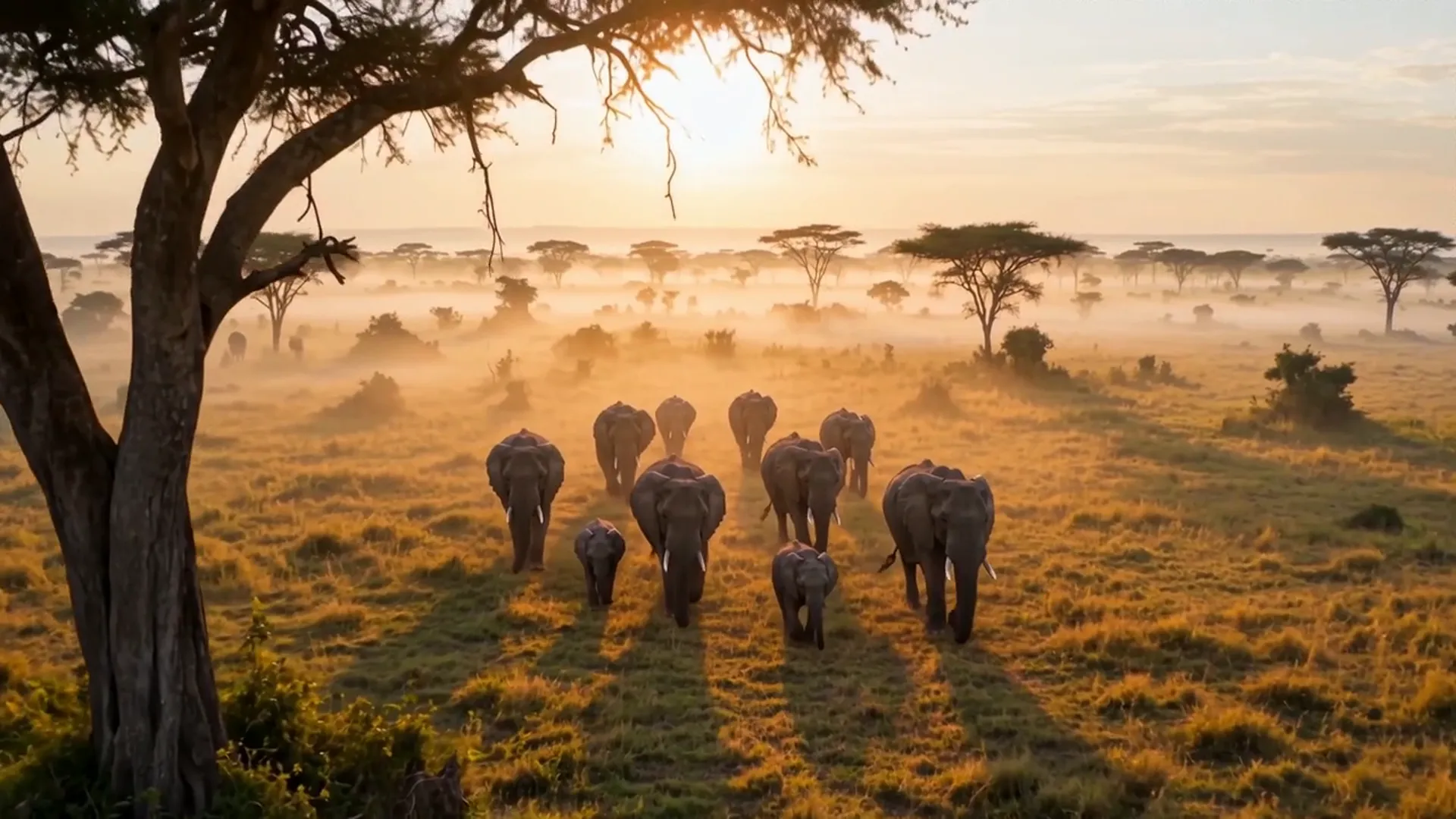
Model Options
Choose the workflow that fits your scene
Start with a prompt, add references when needed, and pick the generation path that matches the output.
Wan 3.0 R2V — reference kits
Reference-to-video is the mode that fixes the classic Wan failure: the hero of shot one being a stranger in shot two. Attach a reference kit of up to 10 images — plus up to 5 video clips and 5 standalone audio files — label each one in the prompt (Image 1 the face, Image 2 the wardrobe, Audio 1 the voice), and Wan 3.0 performs your new scene with that cast, that product, that world.
Wan 3.0 T2V / FFLF
Start from a prompt alone for pure text-to-video, or pin an opening still and an optional ending still so the camera interpolates motion between them. This is the route for filmic establishing shots, product turns, and camera-language demos where no recurring cast needs protecting.
Project Director + Wan 3.0
A reference kit plus a storyboard is a production, not a clip. Project Director sequences your panels into scenes, runs each one through Wan 3.0 with the same kit, and returns finished shots with audio you can cut together — billed in credits, quoted before every run.
Example Outputs
Clips that stay in character
Featured public Wan 3.0 renders from Moosky runs — reference kits, native audio, no re-casting between takes.


Why use it on Moosky AI
Powerful tools. Seamless experience.
Ten-image reference kits
Feed R2V a kit of up to 10 images — face angles, wardrobe flat-lays, product sides, keyframe looks — and every take is conditioned on the bundle instead of your adjectives.
Thirty seconds in one pass
Wan video's signature is sustained camera language: dolly-ins, crane reveals, walk-and-talks that stay coherent for up to 30 continuous seconds.
Native audio included
Dialogue, Foley, and score render in the same pass, on by default at no extra estimate. Exact lip-sync to specific words is still maturing — quoted honestly.
Cinematic light, up to 1080P
Film-grade grading, volumetric dusk, rain-on-neon contrast — Wan's home turf — delivered at 480P, 720P, or 1080P in landscape, portrait, or square.
First/last-frame steering
Lock the opening composition and optionally the closing one, and let FFLF interpolate the camera move between them. Frames cannot mix with R2V reference media.
Credits, not a subscription
Wan video on Moosky is pay-per-clip: 100 credits per dollar, cost follows duration and resolution, and the composer quotes the exact number before you submit.
How It Works
Three steps to a Wan video
Assemble the kit
For recurring characters or products, upload up to 10 reference images (plus optional clips and voice audio). For a single shot, skip straight to a prompt.
Direct the shot
Write the scene: setting, action, camera move, the line to be spoken. Label references by order — Image 1 the face, Video 1 the move — so each file gets a job.
Render and collect
Pick 2-30 seconds and up to 1080P, check the credit quote, and generate. The clip lands in your queue with native audio, ready to download.
The game-trailer hobbyist: one hero, ten shots, zero recasts
A hobbyist cutting a fan trailer for an indie game hit the wall every serial generator eventually meets: the armored heroine from shot one drifted into a different person by shot five — pauldron shape lost, face smoothed, color grade wandering. Re-describing her in the prompt was whack-a-mole with pixels.
The fix was a kit, not an adjective. Ten stills from the game's press pack — face front and three-quarter, armor front and back, the sword, the emblem, a full-body wide, a face close-up, two key lighting looks — became the R2V reference bundle. Each panel of the storyboard then ran the same kit with only the blocking and camera changing, and take ten finally looked like take one.
That is the practical definition of good Wan video: cinematic motion you can cut in sequence. Thirty-second single passes hold whole beats, native audio lands dialogue and score in the same render, and because kits attach per scene, Project Director can run the full storyboard overnight on one credit quote.
Credit-based
Simple, honest pricing
Wan video costs follow duration and resolution at 100 credits per dollar — a 5-second 480P test and a 30-second 1080P hero pass are quoted precisely in the composer before anything runs. Failed generations are refunded, and signup credits cover a first real clip.

More from Moosky AI
Explore our complete suite of AI tools.
Frequently Asked Questions
What is Wan video?
"Wan video" is shorthand for cinematic clips made with Wan 3.0 on Moosky. It names a look more than a file format: sustained camera moves, film-grade lighting, and 2-30 second stories in one pass — with optional first/last-frame steering and reference-to-video kits that keep recurring characters, products, and worlds consistent from shot to shot.
How many reference images does Wan 3.0 take for character consistency?
Up to 10 images per Wan 3.0 R2V job, and you can also attach up to 5 reference video clips and 5 standalone audio files (a voice take, ambience) in the same bundle. That is the real Wan 3.0 ceiling — the 30-asset kit you may see quoted elsewhere belongs to Seedance 2.5 R2V, a different engine.
Is there a free way to try the Wan video generator?
New Moosky accounts start with signup credits, enough to run a real Wan 3.0 clip end to end — prompt or kit, audio included — before you pay anything. After that it stays pay-per-clip at 100 credits per dollar with the exact cost of your length and resolution quoted in the composer first.
Does Wan video come with sound?
Yes. Wan 3.0 generates its output audio — dialogue, ambience, score cues — in the same pass, on by default at no change to the credit estimate. Be aware that exact lip-sync to specific words and rendered on-screen text are still maturing across the model family.
What length and resolution can a Wan 3.0 clip be?
2 to 30 seconds in a single generation, at 480P, 720P, or 1080P, in landscape, portrait, or square. The 16-30 second range at 1080P is Wan's standout lane — few engines hold one coherent camera move that long.
Wan video vs other AI video models — what should I pick?
Pick Wan 3.0 when the shot needs long cinematic camera language, first/last-frame control, or a 10-image reference kit holding identity across takes. For cheap short dialogue clips MiniMax H3 fits better, for premium kinetic action Seedance 2.0 leads, and the all-models page compares the live lineup side by side on one credit balance.
Disclosure
Moosky AI is an independent platform provider and reseller of AI model access. Product names, model names, and company names shown on this page belong to their respective owners. Moosky AI is not officially affiliated with, sponsored by, or endorsed by those providers unless expressly stated. Page content, examples, and previews may include AI-assisted and synthetic content.