AI Video Prompt Guide
The AI Video
Prompt Formula —
Draft Cheap, Ship Once.
Every working AI video prompt names the same six slots — subject, setting, action, camera, style, technical details. Write one in plain sentences, paste it into Moosky's video studio, watch the exact credit cost, and render on the current engines: Wan 3.0, Seedance 2.5, LTX 2.5.
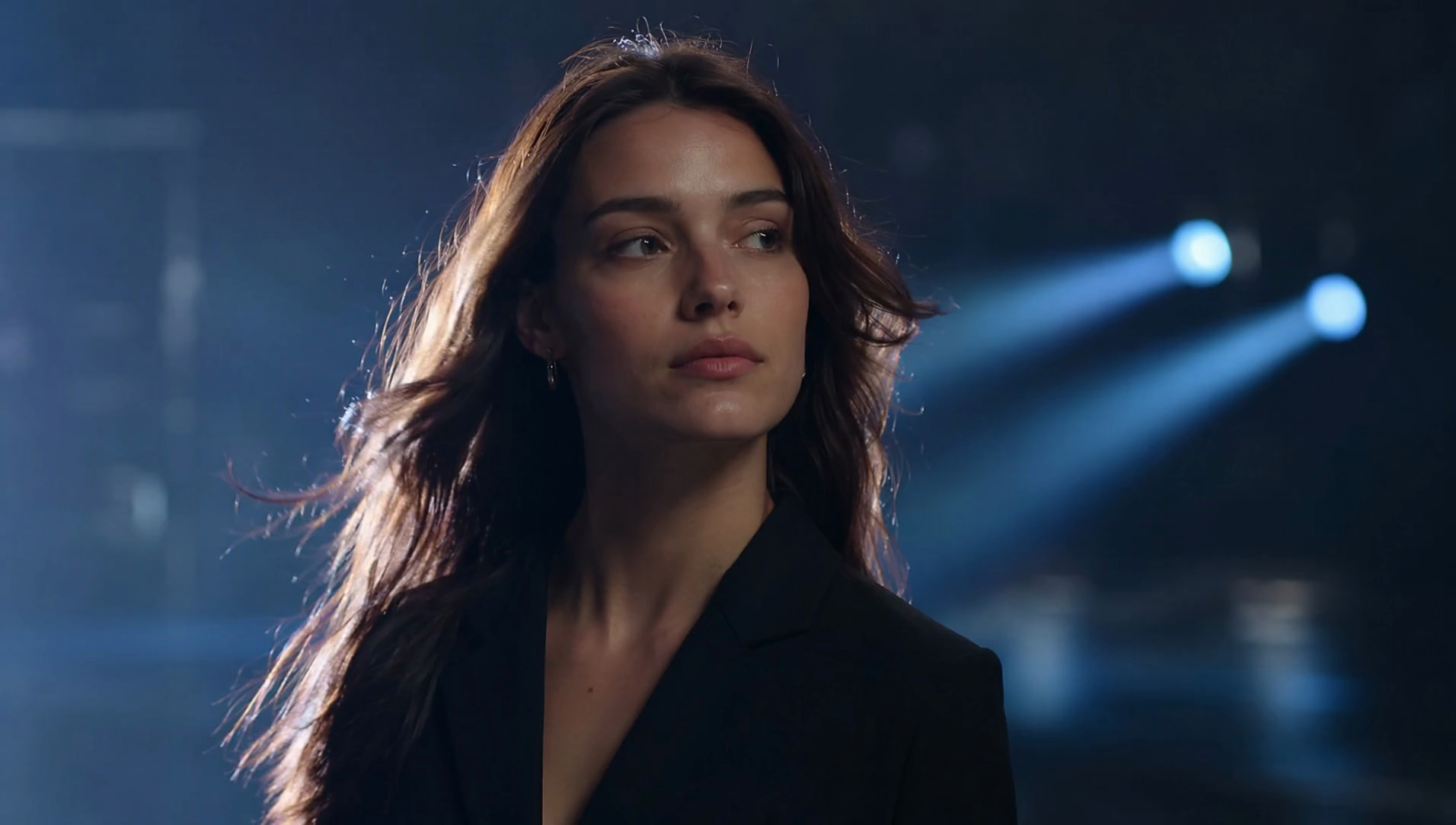
Model Options
Choose the workflow that fits your scene
Start with a prompt, add references when needed, and pick the generation path that matches the output.
The Moosky video studio
One studio, the current video engines on one balance: Wan 3.0 for volume-grade motion, Seedance 2.5 for audio-native shots with synced dialogue, LTX 2.5 for cinematic drafts and start-frame clips. Pick the engine per clip, keep the same prompt formula, and the composer quotes the credit price before anything renders.
What a prompted clip costs
A five-second draft at the floor tier runs tens of credits — under a dollar. The exact price of your engine, length, and resolution shows on the run button, failed renders refund, and the credit balance never expires. No subscription, no seat pricing, no bill surprises.
Why use it on Moosky AI
One formula, every engine
The six-slot prompt carries across every current video engine on Moosky — the named clauses are what the model renders, on one credit balance.
Fill every slot
Subject, setting, action, camera, style, technical details — the six clauses a model can actually render. Name each one and the clip follows the brief; skip one and the model guesses.
Prompt the motion
Describe what changes across the clip, not just what the scene looks like: a walk, a turn, fabric in wind, steam off a cup. Static scenes plus adjectives are what make clips feel dead.
Direct the camera
Name the move in plain words — slow push-in, locked tripod, handheld follow, orbit — and where the clip should start and end. Camera clauses separate directed clips from lucky rolls.
Write sound into the script
On the audio-native engines, quote the spoken line and describe how it is delivered. Speech, ambience, and effects sync to the picture in the same pass — no dubbing step.
Anchor with a first frame
A still you approved for cents pins the look; the prompt then drives the motion forward from it. The cheapest quality lever you have when a specific face, product, or palette matters.
See the price first
Every generation shows its credit cost on the run button — draft at the cheap tier, rerun the keeper at full resolution. Wondering what a 1080p clip costs? You see it before you pay it.
How It Works
Three passes from prompt to finished clip
Write the six-slot brief
One sentence per slot — subject, setting, action, camera, style, technical details — in plain language. Swap your own subject into any pattern you like.
Draft at the floor tier
Run the prompt on the cheap tier and judge motion, framing, and the spoken line. A wrong turn costs minutes and pocket change, not a hero render.
Quote, escalate, export
Rerun the keeper at the resolution you need — the composer quotes the credits first — and download the master watermark-free.
The formula lane, not another example dump
This page is the working formula lane of Moosky's AI video prompting cluster. The prompt library below holds the fifty ready-made example prompts, sorted by goal; the ChatGPT guide covers drafting and pressure-testing a prompt with a chat assistant before paying to render it. The engine pages carry specs and per-clip pricing. Here the job is the structure every usable prompt shares — and the studio run that proves it.
The reason the six-slot formula beats a pile of adjectives is how video models read a prompt: they render the clauses you name and invent the ones you skip. Spend your words on what changes over the clip's duration — action, camera, sound — and keep style and technical specs to one line each.
Everything here is executable in one tab: write the brief, pick the engine the shot needs, draft at the floor tier where a take costs under a dollar, and escalate only the keeper. New accounts get free credits, so the first prompts cost nothing but the typing.
Credit-based
Simple, honest pricing
A drafted take at the floor tier runs tens of credits — well under a dollar at 100 credits to the dollar — and the composer shows the exact price of your engine, length, and resolution before anything renders. Failed generations refund, credits never expire, and signup credits cover your first prompts.

More from Moosky AI
Explore our complete suite of AI tools.
Frequently Asked Questions
What is a good AI video prompt?
One that names every slot a video model can render: a specific subject, a setting, an action that unfolds over the clip, a camera behavior, a style line, and a technical spec like resolution or frame feel. "A cat in a park" renders a postcard; naming the breed, the breeze, the handheld camera, and the warm light renders a clip. Plain sentences beat keyword lists.
How long should an AI video prompt be?
Long enough to fill the six slots and no longer — roughly one sentence each, twenty to forty words total is the working range. Extra length should describe change over time, not stack more adjectives: models honor the clauses they can act on and ignore the decoration around them.
Which AI video model should I run my prompt on?
Pick by what carries the shot: Wan 3.0 for volume-grade motion at the lowest credit cost, Seedance 2.5 when synced dialogue and native audio do the work, LTX 2.5 for cinematic drafts and start-frame clips. The same six-slot formula runs on all of them, and on Moosky every engine sits on one credit balance, so switching costs nothing but the rerun.
Do I need to pay to test a prompt?
No. New Moosky accounts get free credits, which cover real test clips on the video engines — enough to draft a few takes and see what the model does with your wording before buying a balance. From there a floor-tier draft is tens of credits, and the price is quoted on the run button first.
How do I add dialogue or sound to an AI video?
On the audio-native engines, write the spoken line the way a script reads, say how it is delivered, and the model syncs speech, ambience, and effects into the picture in the same pass. Keep the clip short enough that the line lands, and name the language if the delivery matters.
Why does my AI video look static or off?
Two usual causes: the prompt described a scene instead of a change — nothing moves because nothing was asked to — or it skipped the camera clause, so the model guessed a dead frame. Fix the action first (what moves, how fast, across the whole clip), then name the camera with a plain verb like push-in or locked tripod.
Can I turn an image into a video with a prompt?
Yes — pass the still as the first frame and prompt the motion forward from it. This is the reliable route when a specific face, product, or brand look has to survive the render: the image carries identity, and the prompt's six slots carry movement, camera, and style.
What does an AI video prompt cost to run?
Moosky bills in credits at 100 to the dollar, priced by engine, length, and resolution, and the exact total shows before you press generate. Drafts at the floor tier cost tens of credits; hero renders cost more, so the cheap loop is draft wide, keep one, escalate once. Failed runs refund automatically.
Disclosure
Moosky AI is an independent platform provider and reseller of AI model access. Product names, model names, and company names shown on this page belong to their respective owners. Moosky AI is not officially affiliated with, sponsored by, or endorsed by those providers unless expressly stated. Page content, examples, and previews may include AI-assisted and synthetic content.