Wan 2.7 Image
Wan 2.7 Image and Wan 2.7 Image Pro: generation and editing up to 4K
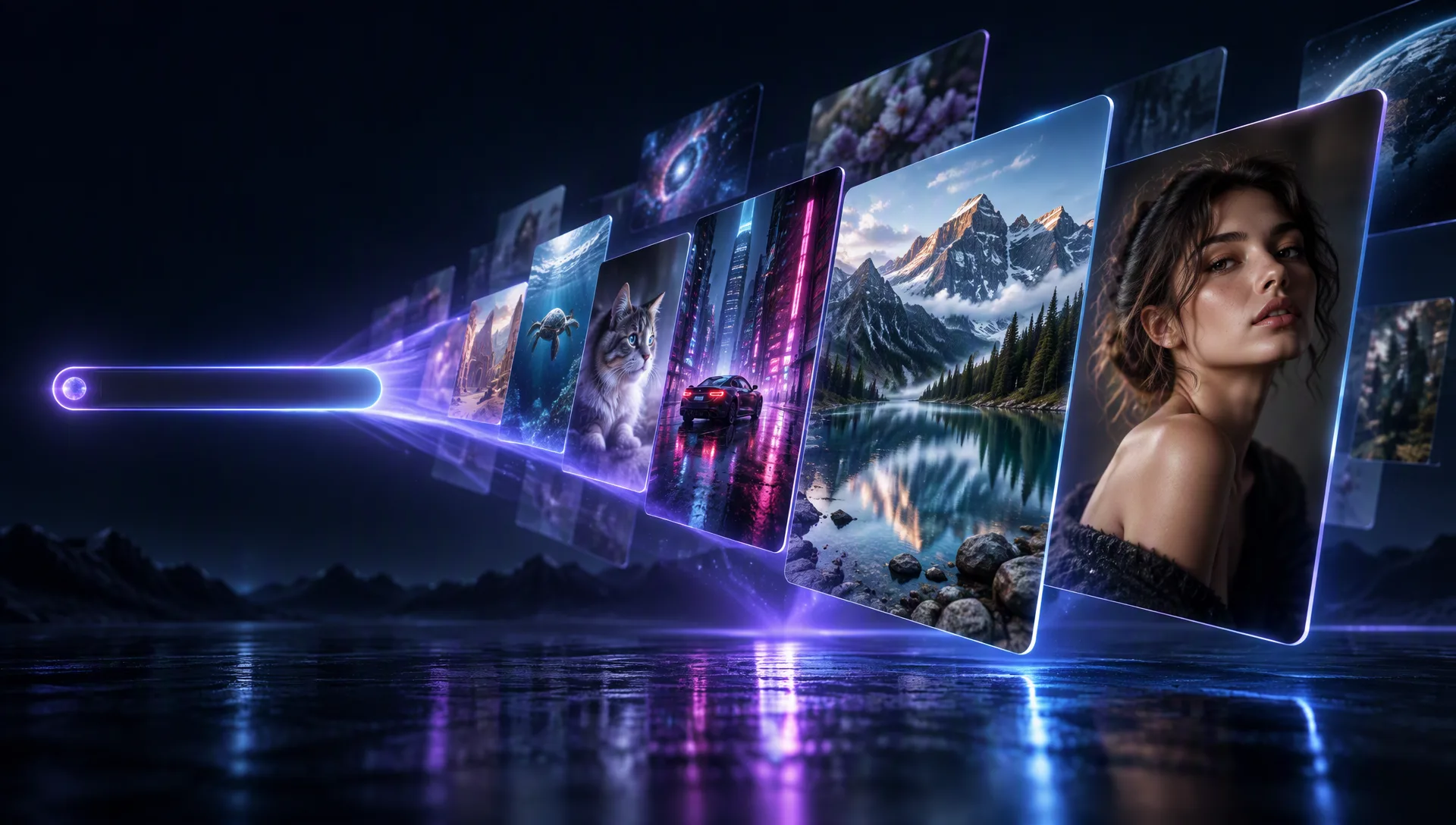
Generate and edit with Wan 2.7 Image — describe the change in plain language and re-render any image, or compose from up to eight references. Pick Regular for balanced 1080P drafts or Wan 2.7 Image Pro for final assets up to 4K. No watermark, no subscription.
Model Options
Two ways to create with Wan 2.7 Image
Both variants run on Moosky with credit-based pricing. Pick image editing to transform an existing image, or text-to-image for prompt-only generation.
Wan 2.7 Image
The prompt-driven editor: upload a photo, describe the change in one sentence, and the model re-renders it. No masks, no layers.
Wan 2.7 Image (Text-to-image)
Standalone prompt-only generation with optional thinking mode — and the path to 4K output when you select the Wan 2.7 Image Pro tier.
Why use it on Moosky AI?
Model-specific controls with no subscription, clean outputs, and a workflow built for fast creative iteration.
Free to start, priced per image
Sign-up credits cover your first Regular and Pro runs — the exact credit cost shows before you generate, unspent credits never expire, and there is no monthly plan.
Finals ship clean
Generated and edited images come back unwatermarked at both tiers, so a Pro 4K final can drop straight into a campaign or client deliverable without a cleanup pass.
Natural language edits
Describe the change you want instead of masking and layering manually.
Reference guidance
Optional reference images help steer style, pose, and composition.
Campaign-ready assets
Turn a style board and a subject photo into one composed image for ads, mockups, and product concepts, then use the result in commercial projects under platform and provider terms.
How it works
Three focused steps from setup to finished output.
Credit-based
Simple, honest pricing
Uses Moosky credits with cost shown before you generate. No subscription required.
More from Moosky AI
Explore our full suite of AI tools.
Frequently Asked Questions
Can Wan 2.7 Image do image-to-image?
Yes — that is its core edit mode. Upload the image you already have and describe what should change: the model re-renders your picture with those changes while keeping the subject and composition you asked it to preserve. Up to eight reference images can steer the result's style, pose, or setting, and Pro-tier runs deliver higher-fidelity output (up to 4K when generating from text). Every edit is priced in credits, shown before you run, with no subscription.
What is the difference between Regular and Wan 2.7 Image Pro?
Regular is the balanced tier for 1080P drafts. Wan 2.7 Image Pro costs more per image but delivers higher-fidelity output and supports 4K landscape or portrait resolution when you generate from text without input images. Use Regular to explore ideas and Pro for final assets.
Is Wan 2.7 Image Pro free to try?
You start free with Moosky signup credits and can pick the Pro tier on your first run — the exact credit cost is shown before you generate. There is no subscription, and unspent credits never expire.
Can Wan 2.7 Image do text-to-image?
Yes. Generate straight from a prompt with no input image — use the dedicated text-to-image catalog entry, or simply omit the base image in the edit workflow when references are enough. Prompt-only runs are also where Wan 2.7 Image Pro unlocks 4K landscape or portrait output, and the optional thinking mode plans complex compositions before rendering the final image.
How many images can I reference?
Up to eight reference images per run. Use them to lock a character's face, carry a product's packaging, or borrow a color palette: the model composes all of them into one output, so a style board plus a subject photo lands in a single generation instead of a masking-and-layering session.
Why was my prompt rejected?
Every request passes an automated content-moderation check before generation, and prompts flagged for prohibited material — such as sexual content or nudity — are rejected at that gate. The rejection names the flagged category, no credits are charged for a rejected request, and the fix is to edit the prompt to remove that content and submit a fresh version rather than resending the same one.