Moosky AI field guide
How to Steer a Wan 3.0 Clip With a Reference Video: the R2V Workflow, With Real Credit Costs
Steer a Wan 3.0 generation with reference images, clips, and voice samples: upload order, the 15s/30s reference budget, and real credits per take.
On this page
How to Steer a Wan 3.0 Clip With a Reference Video: the R2V Workflow, With Real Credit Costs
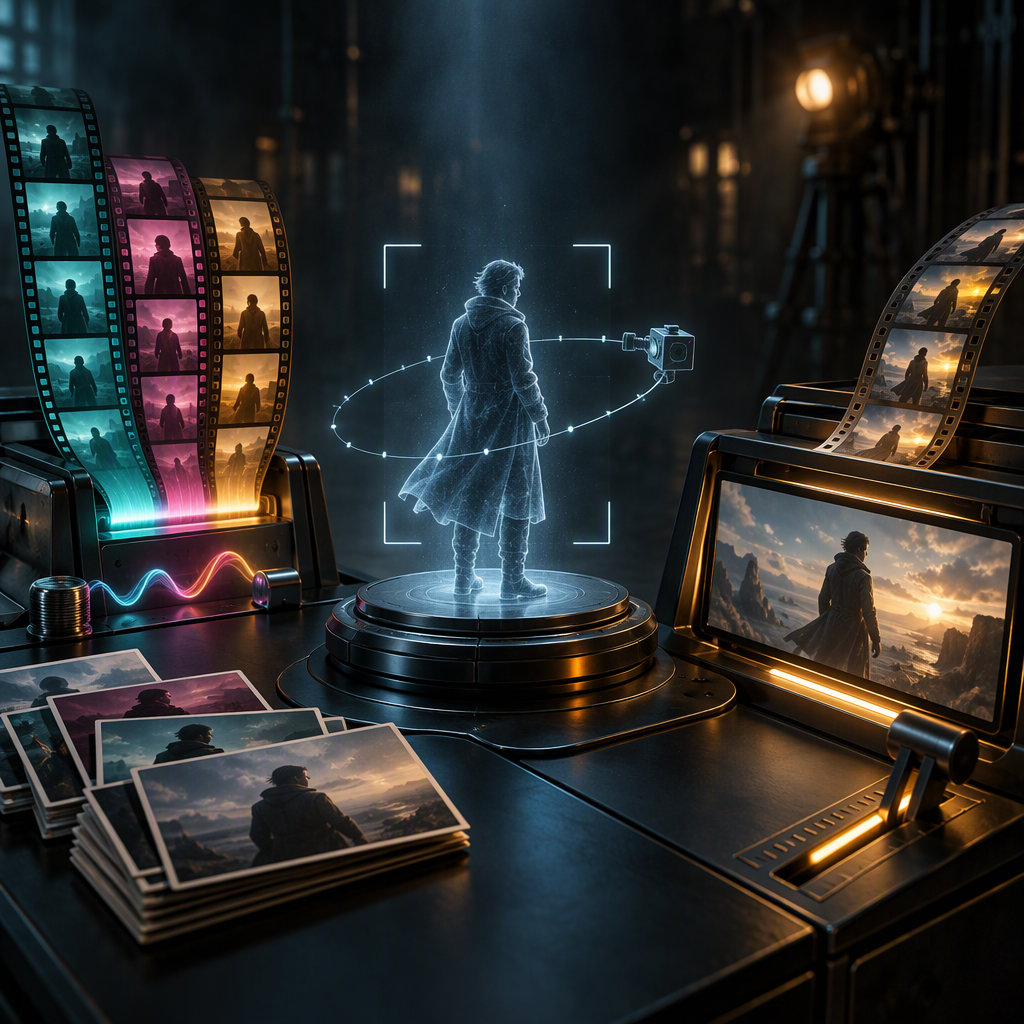
Plain text-to-video asks the model to invent your shot from a description. Reference-to-video asks it to copy one you already have. If the clip depends on a specific character staying on-model across takes, a prop that must not morph, or a camera move you can describe but not reliably summon in words, a reference input does what prose cannot. Wan 3.0 R2V is Moosky's composer for exactly that: up to 10 reference images, 5 reference videos, and 5 standalone audio references feeding one generation, pay-per-clip like everything else.
This guide is the workflow: what counts as a good reference, how the prompt binds to it, what the hard limits are, and what a reference-driven run costs. Every number comes from the composer's own pricing and constraint code. Credits are the platform currency at 100 credits = $1, bought in packages, no subscription.
When references beat a plain prompt
Use the T2V composer when the shot is generic enough to describe: a drone shot over mountains, rain on a neon street. Words carry that. Use R2V when the thing that matters is not describable without showing it:
- Subject consistency. The same character, prop, or product has to appear in shot after shot. A reference image locks identity in a way "a woman in a red jacket" never holds across five generations.
- Space consistency. A room, a stage, a storefront that must read as the same place across cuts. A reference image of the space carries it.
- Shot feel. A reference video conditions the output toward its motion and pacing — useful when you have footage of the beat you want and want a new subject performing it.
- Voice. Standalone audio references (up to 5) bind a voice to a character; you can attach a voice sample and write the lines, instead of hoping the model casts one.
If none of those apply, R2V buys you nothing and the plain Wan 3.0 composer is the simpler tool. The Wan 3.0 workflow guide covers that path, including first/last-frame keyframing; this one owns the reference-driven lane.
The reference budget, and the 30-second trap
The composer enforces hard caps at runtime, so know them before you upload:
| Input | Cap |
|---|---|
| Reference images | 10 |
| Reference videos | 5 |
| Visual references total | 15 |
| Standalone audio references | 5 |
| Combined reference video duration | 15 seconds |
| Combined reference audio duration | 15 seconds |
| Input video seconds + output seconds | 30 total |
That last line is the one that surprises people. Reference video seconds spend from the same 30-second budget as your output. Attach an 11-second clip and your output is clamped to 19 seconds; use the maximum legal reference — a 15-second clip, the per-clip cap and the combined ceiling both — and you have exactly 15 seconds of output left, with every extra reference second (up to the cap) costing one second of your final take. Edit driving clips down before uploading. A three-second reference usually steers as well as an eleven-second one and leaves the whole budget for the output.
There is no first-frame path here. The reference-media modes cannot mix with start/last-frame control, so if you need an exact opening frame plus exact closing frame, that is the other composer's job. What R2V adds that the frame path does not have is binding across many media items at once — the "space in Image 2, character from Video 1, voice from Audio 1" job.
Step 1 — Load the references, then count them as the model does
Open the Wan 3.0 R2V composer and attach your references in order. Order is meaning: the first image is Image 1, the first video is Video 1, the first audio is Audio 1, counted separately per type even when interleaved. The prompt addresses them by those labels, so upload order is a creative decision, not housekeeping.
What makes a reference earn its slot:
- Characters: one clearly visible subject, even lighting, the framing you want the output to perform in (face shot drives face shots, full body drives full body). For identity that must survive turns and motion, add a second angle as Image 2 rather than hoping one covers everything.
- Props and spaces: clean, unobstructed images. A prop half out of frame teaches the model nothing about it.
- Shot references: the shortest clip that contains the beat you want, single subject, minimal cut noise. Remember the 15-second combined ceiling across all your video references, plus the 30-second total above.
- Voices: wav or mp3 under 15 seconds combined. Attach the sample, then write the lines — the quoted dialogue binds to that Audio N.
Step 2 — Write the prompt against the labels
The official formula is reference identifier + action + scene + quoted lines (optional) + background music (optional), in plain English (or Chinese), no JSON, no markdown. Two binding styles both work: direct ("Image 1 opens the door in Image 2") or identifier-plus-object ("the courier in Video 1 crosses the lobby in Image 3"). Rules that keep runs from wasting credits:
- Only use labels you actually attached. Naming "Image 4" with three images loaded is how you get invented elements.
- Do not label time beats as Image N. Shots within the clip are "Shot 1", "Shot 2", with timestamps if there are cuts.
- Quote dialogue exactly — quoted lines are preserved verbatim. If the clip has no speech, write "No dialogue." or the model will cast some. If you don't want it scoring the clip, write "No background music."
- Bind each Audio N to the character speaking it; don't invent voices for characters you didn't reference.
A realistic prompt for a two-reference job:
Video 1 crosses the market in Image 2, glancing at the stalls, saying: "Same time tomorrow." Handheld follow, overcast morning light. No background music.
Set resolution, length, and audio after the prompt — the composer quotes credits live against those choices, and failed runs are refunded, so draft at 480P and move up only when the take is right. Seed is exposed; a fixed seed plus the same references gives you a stable base to iterate prompts against.
What a reference run costs
R2V runs price the same as the rest of the Wan 3.0 family: a dynamic per-second charge that doubles with each resolution tier — 480P at $0.05/sec base cost, 720P at $0.10, 1080P at $0.20, with the platform's 35% margin applied. The R2V composer carries no flat base fee (the T2V composer's 10-credit booking fee does not apply here), so the grid is purely duration × tier:
| Clip length | 480P | 720P | 1080P |
|---|---|---|---|
| 2s (min) | 16 | 31 | 62 |
| 5s (default) | 39 | 77 | 154 |
| 10s | 77 | 154 | 308 |
| 15s | 116 | 231 | 462 |
| 30s (max, if your refs leave room) | 231 | 462 | 924 |
Credits, at 100 = $1. Three consequences for the workflow:
- Reference inputs do not add a line item. A 5-second output costs 39 credits at 480P whether you attach one image or fourteen references. You pay for the clip you get, not the steering you fed it.
- The clamp protects your budget, not just the API. Because input video seconds eat the 30-second ceiling, over-long driving clips silently cap your output length — check the number before dispatch.
- Drafts stay cheap, finals don't. Reference jobs exist because the first generic attempt wasn't right; the draft-tier loop (480P at 39 credits for a five-second take) is how you converge without a 1080P bill for every experiment. The reroll arithmetic across models — when to keep iterating vs change the reference — is broken out in the cost-per-usable-clip guide.
Native audio costs the same on or off. Watermark is off by default.
When to reach past Wan 3.0 R2V
Wan 3.0 R2V is the default reference composer on Moosky: character consistency, prop and space binding, voice references, up to 30 seconds and 1080p. Two lanes belong elsewhere. For economical short dialogue edits — a tight ≤15-second talking shot where you're editing against an existing render — the MiniMax lane is the budget pick, and the MiniMax H3 Ref2V workflow guide owns that sheet-driven process end to end. And on any reference-driven job, expect the same documented limits as the model family: exact on-screen text is unreliable (don't build a shot around a readable sign), and quoted lines are preserved word-for-word but frame-accurate lip-sync to specific words is not promised. If the deliverable turns on either, test it with one 39-credit draft before you design the scene.
Still choosing between reference modes in general — R2V against image-to-video and text-to-video — the buyer's comparison is in What is an AI reference video, and keeping one identity across a whole project is a different skill: character-consistent AI videos.
The pitch for the reference workflow is simple: words describe a shot, references carry one. Attach the shortest clips that hold the beat, name them exactly as you loaded them, draft at 480P for 39 credits, and the number is on the screen before the render starts — every time.
Create with Moosky AI
Turn ideas into finished productions
Access leading AI models and production workflows from one workspace.
Try Moosky AIComments
Comments are reviewed before they appear publicly.
Join the discussion — sign in or create an account to leave a comment.
No approved comments yet. Start the conversation.