Prompt to Movie
Prompt to Movie:
One Brief In,
Finished Film Out.
No engine films a movie straight from one sentence — a planning layer does. Write the brief once, approve the scene list the Director proposes, and every scene renders against the same locked cast and world before the takes are assembled into one file.
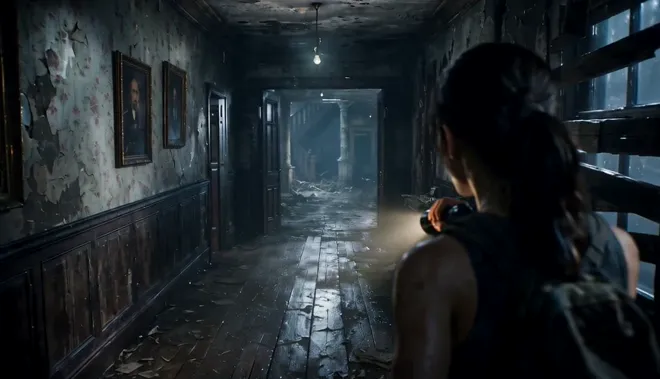
Model Options
Choose the workflow that fits your scene
Start with a prompt, add references when needed, and pick the generation path that matches the output.
Wan 3.0 for long-take storytelling
A film dies between cuts, not inside them — so the hero pass runs on the engine that carries a scene all the way through. Wan 3.0 renders 2-to-30-second one-pass takes with weight in the movement and a camera that behaves like a camera, and its reference conditioning keeps the same face, wardrobe, and world from your opening wide to the closing push-in.
Seedance 2.0 for the shot-to-shot chain
The difference between a clip pile and a cut is whether scene two opens where scene one ended. Seedance 2.0's first/last-frame control lets the Director pin both ends of every scene — the payoff frame of the previous shot becomes the opening frame of the next — so transitions land on composition, not luck.
LTX 2.5 for finding the broken beat
Nobody should discover in the hero pass that the scene never worked. LTX 2.5 animates the whole scene list at the cheapest cost per clip — joint audio-video drafts, pacing and all — so the room kills the dead beat and only the survivors bill the premium render.
Example Outputs
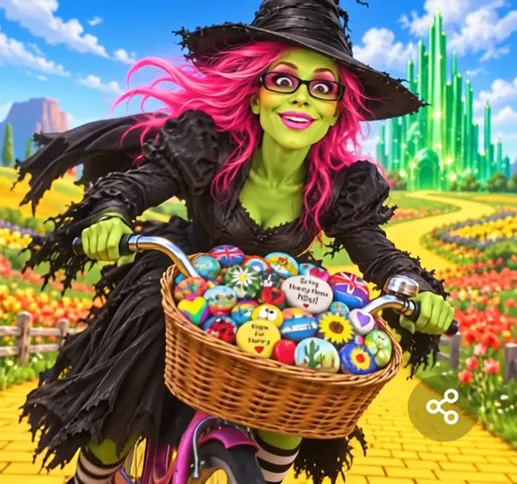
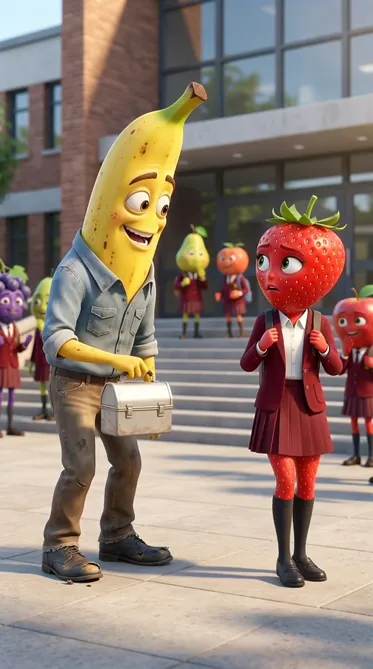
Scenes from finished one-brief films
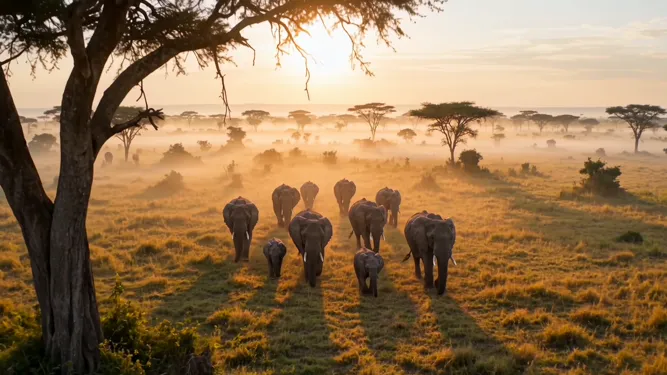
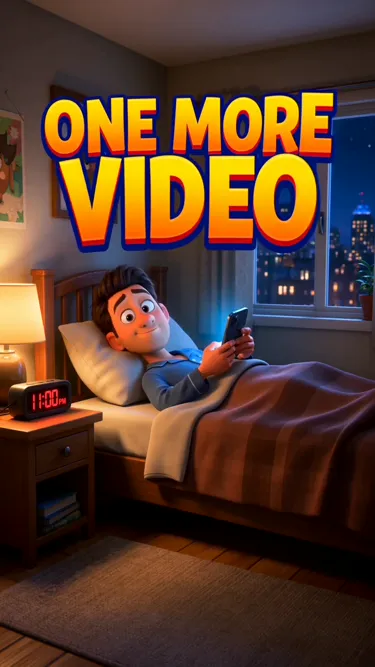
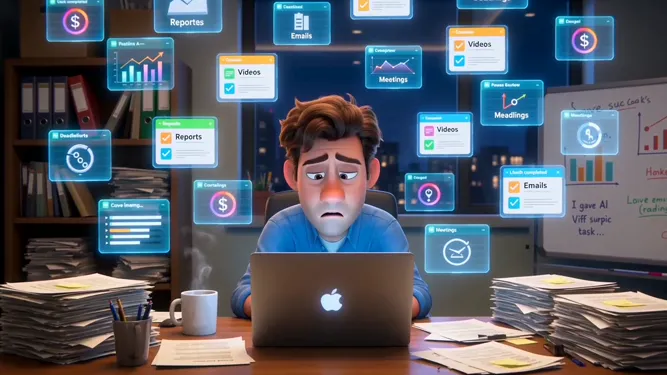
Featured renders on Seedance 2.5 and Wan 3.0 — the same scene chain this page sells, straight from the project workspace.
Why use it on Moosky AI
What actually stands between a sentence and a film
The models render shots. This is the layer that plans the story, holds the cast, and assembles the cut around them.
A film, not a feed of clips
The output is one assembled piece — opening image, rising tension, payoff — rendered scene by scene and stitched in order, instead of a folder of unconnected five-second generations.
The brief replaces the blank prompt box
Story seed, shape, look, format, constraints — five facts said once. The Director turns them into a script and a scene list, and asks before it changes your ending.
One cast, locked from shot one
Characters and world are fixed as shared references before the first render, so the guard in scene nine is the same guard in scene one — same face, same uniform, same light.
The draft ladder before the money shot
Every scene drafts on the cheap lane first. You approve which beats deserve the hero pass, so no premium render bills for a scene the room never wanted.
Drift checks, not hope
Each take is compared against the locked references and flagged when the face, costume, or location wandered — you re-run the one shot that slipped, not the sequence around it.
Assembly is part of the prompt
Pacing, order, and an optional score are handled in the pipeline. The export is a cut with structure, not raw clips waiting for someone with an editor.
How It Works
One prompt to a finished film, in four steps
Send one brief
Premise, length, look, format, constraints — one message. A logline with a beginning, a middle, and an end is enough to start.
Approve the plan
The Director returns a script and a numbered scene list with the locked cast and style references. Rewrite anything before a credit is spent.
Draft the whole arc, then hero the keepers
Every scene animates on the cheap draft lane; beats that survive the screening re-render on Wan 3.0 or Seedance 2.0 with the references held.
Export the cut
The approved takes assemble in order with pacing and an optional score, and the finished film downloads watermark-free at the dimensions you chose.
What a single-prompt short looks like — and what the pipeline does with the rest
Everyone who searches prompt to movie has already seen the trick fail: one beautiful five-second clip that dies the moment the story needs a second shot. No engine films a feature from a sentence. The part that closes the gap is a planning layer — it reads the brief, breaks it into scenes, and renders every scene against the same locked references.
For example, a brief like this: a night-shift guard at a decommissioned aquarium, one tank still lit, something inside that knows his name — plus a look, a length, a format. The Director comes back with a script and a numbered scene list, and you rewrite any beat before a single credit goes near a render.
In an illustrative run like that, a plan might draft fourteen scenes cheap, four might get hero passes, and the export needs no timeline work because the arc was boarded long before the first premium frame. That is the honest shape of the query: one good brief, one approved plan, and a system that remembers the characters between shots.
Credit-based
Simple, honest pricing
A prompt-to-movie run is a draft pass over the scene list plus hero renders on the beats you keep, each quoted on the button before it bills. Credits sit at 100 to the dollar and never expire — a fourteen-scene short stays a budgetable line item, and failed renders refund themselves.

More from Moosky AI
Explore our complete suite of AI tools.
Frequently Asked Questions
What does 'prompt to movie' actually mean?
It is a pipeline, not a button. One written brief — premise, shape, look, format, constraints — goes in; the planning layer turns it into a script, breaks the script into a numbered scene list, renders each scene against shared character and world references, and assembles the takes into one file with pacing and an optional score. Video models only output single shots; the planning layer is what makes the shots into a movie.
Can one text prompt really make a full film?
One prompt can start one, yes — if a system is holding everything the sentence cannot carry. A bare generator handed 'a movie about a lighthouse keeper' returns one pretty clip with no memory of the next scene. On Moosky the same sentence seeds a plan you approve: the script, the scene list, the locked cast, and the assembly all come after it, each one reviewable before credits run.
How is this different from script-to-video or the trailer maker?
By what you arrive with. Script-to-video converts a finished screenplay you already wrote; the trailer maker builds an opening-weekend arc from a piece that exists. This workflow starts from a single brief — you may not own a finished script at all — and the Director drafts one with you, scene by scene, before any render bills.
What should my one prompt contain?
Treat it as a brief, not a wish. Five things: the story seed (desire, obstacle, landing in one or two sentences), the shape (how long, roughly how many scenes), the look (one style cluster, not five adjectives), the format (landscape or vertical — decided once, because changing it later re-renders everything), and the constraints (no on-screen text, end on a hold frame). Stated at the brief, constraints are free; discovered at the render, they cost credits.
How do the characters stay consistent across scenes?
The cast and the world are locked as shared references before the first render — faces, wardrobe, locations, one style plate — and every scene renders against them. After each take the system compares the result against the locked reference and flags the shots where the face, costume, or setting drifted, so you re-run only the take that slipped.
Which models do the multi-scene work?
Three lanes, one balance. Wan 3.0 carries the hero passes — 2-to-30-second one-take scenes with joint audio and reference-held identity. Seedance 2.0 brings first/last-frame control, so scene two can open exactly where scene one ended. LTX 2.5 runs the cheap draft ladder over the whole scene list so you find the broken beat before a premium render bills for it.
How long can the finished film be?
Runtime grows with scene count, not with any single engine's clip cap — the Director renders each scene as its own take and assembles them in order. A one-to-three-minute short is the typical first project; a longer piece just means more scenes, and each one is quoted before it runs.
What does a prompt-to-movie project cost?
You pay credits per approved run, quoted on the button before each render — 100 credits to the dollar, non-expiring, no subscription. The draft ladder over a full scene list costs a fraction of the hero passes, so most writers lock the whole arc on drafts and spend premium credits only on the takes they keep. Failed renders refund automatically.
Can I publish the finished film commercially?
Yes. Films assembled from this workflow download watermark-free and are cleared for monetized channels, festival screeners, and client delivery under Moosky AI and the selected model provider terms — check both before a distribution deal, the same as you would with stock footage.
Disclosure
Moosky AI is an independent platform provider and reseller of AI model access. Product names, model names, and company names shown on this page belong to their respective owners. Moosky AI is not officially affiliated with, sponsored by, or endorsed by those providers unless expressly stated. Page content, examples, and previews may include AI-assisted and synthetic content.