Moosky AI field guide
Prompt to Movie: How One Text Prompt Becomes a Full AI Film
One briefed sentence to a finished multi-scene AI movie: script, scenes, clips, assembly, and real credit costs in Project Director.
On this page
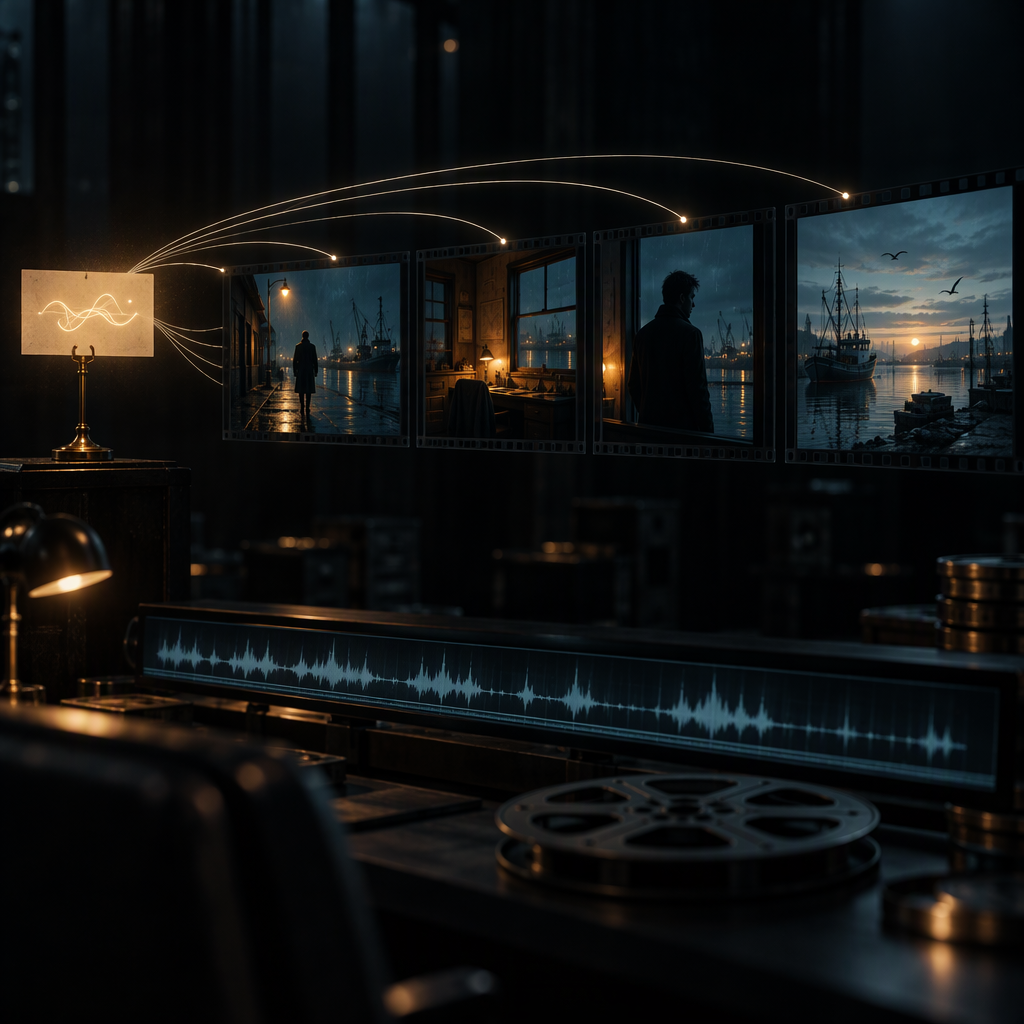
The honest answer to "prompt to movie" arrives in two parts. One sentence genuinely can start a finished, multi-scene film — but no tool on earth renders a movie directly from one sentence. Video models today output one short shot per run: five, ten, fifteen seconds of pixels with no memory of the shot before it. Ask a bare generator for "a movie about a lighthouse keeper" and you get one pretty clip, not a film. What closes the gap between the sentence and the film is a planning layer that turns the prompt into a script, breaks the script into scenes, renders each scene against shared references, and assembles the takes into a single file. That layer is the actual product, and once you see the pipeline the workflow collapses to something surprisingly close to the search: write one good prompt, approve a plan, get a movie.
This guide walks the whole pipeline end to end using Moosky Project Director, with real credit numbers at every stage. If you already have a finished screenplay, the script-to-video guide is the fitter read; if you are building an episodic series with recurring cast, go to how to create movies and TV shows with AI. This piece owns the single-prompt start.
¿Lector hispanohablante? La misma cuenta del prompt único a la película terminada, escrita nativa en registro voseo con la escalera de créditos de borrador, el ejemplo del arriero andino y el bloque de preguntas rápidas, vive en ¿Cómo hacer una película con IA desde un solo prompt?.
Leitor brasileiro? A mesma conta do prompt único ao filme terminado, escrita nativa em português do Brasil com a escada de créditos de rascunho, o exemplo do cobrador de ônibus noturno e o bloco de perguntas rápidas, vive em Como fazer um filme com IA a partir de um único prompt.
What one prompt can and cannot do
Split "prompt to movie" into the two halves and it stops being magic:
- The prompt carries story: premise, character, conflict, setting, tone. A sentence is genuinely enough for that — one good logline contains a beginning, a middle, and an end.
- The movie is everything downstream of the sentence: a script, a scene list, per-scene shot instructions, reference images that lock the cast and world, rendered clips, a timeline, a final render.
One prompt plus a planning pipeline produces a film. One prompt plus a raw generator produces a clip and a disappointed maker. The failure you have probably seen — a "movie" prompt returning one beautiful five-second nothing that goes nowhere — is not a prompting problem. It is an architecture problem: stateless models, no scene plan, no continuity memory. Every step below is designed to move those missing pieces from your head into the pipeline, so your one prompt is spent on story and the system carries the rest.
Stage 0: write the prompt like a brief, not a wish
The single most common mistake is treating the one prompt as a wish ("epic movie about a robot detective") and hitting generate. A prompt is a brief: everything the planner cannot guess, said once. Five facts, in one message:
- The story seed. One or two sentences: the desire, the obstacle, the landing. "A night-shift security guard at a decommissioned aquarium discovers one tank is still lit, and the thing inside it knows his name" is a whole film in three clauses.
- The shape. How long the finished piece should run and roughly how many scenes. "Ten minutes, eight to twelve scenes" is fine; the planner will push back if it disagrees.
- The look. One style cluster, not five adjectives: "cold blue grade, single practical light sources, 35mm grain, slow deliberate camera moves." Consistency in the words buys consistency in the pictures; the full formula for a shot-level prompt is in the AI prompt video generator guide.
- The format. Landscape for film and YouTube, portrait if this is really a vertical short. Orientation is decided once, at planning; changing it later means re-rendering everything.
- The constraints. "No on-screen text, I will add titles myself. End on a hold frame." Constraints stated at the brief are free; discovered at the render they cost credits.
In the Director's new-project screen, the Story playbook exists precisely for this lane: it preloads "turn my concept into a short cinematic story with a clear beginning, conflict, and payoff" and you paste your brief on top of it. You can fill the brief out before signing in; the Director keeps what you typed and only asks you to sign in when you send it. The full click path — every panel, every button — is covered screen by screen in the first-video walkthrough.
Stage 1: the prompt becomes a script (and the cheapest edit you will ever make)
Send the brief and the planner comes back with a proposed script plus a scene list. Read that reply closely before touching anything else, because it is the cheapest surface in the entire pipeline: a line of the plan is a keystroke to change, a locked scene is credits and a wait.
Talk to it like a producer, not a search box: "the ending is too neat, make it ambiguous," "cut the flashback, it stalls the middle," "give the guard one line of dialogue." Planning edits run on the planning allowance, not the production wallet, so iterate here rather than after approval. A scene that will read wrong on screen — a twelve-second static dialogue take, a reveal with no setup — is far cheaper to fix as a sentence now.
Stage 2: the plan shows its price before it spends a credit
When the script is right, you approve, and the Director opens a review panel with three things that decide your budget:
- The scene list. Each scene is a row carrying its description, cuts, and the characters and settings appearing in it. Read the chips as a continuity audit: if scene seven introduces a character nobody cast, fix it now, not at render.
- The output selector. Project-wide resolution and orientation, locked once.
- The quote and the credit line. The panel prices the entire run at your settings before you commit — and prints the wallet floor as plainly as the UI prints anything: "needs 500 to start production," set against your current balance. Credits bill at 100 per dollar, so that floor is about $5, and it is deliberate: the signup welcome credits (10) plus the Director planning allowance (50) let you write, plan, and get a full quote for effectively nothing, but production itself starts at 500 in the wallet. Watch the quote and the floor as two separate numbers, and if the quote is too high, trim scenes or drop resolution now, in the plan, rather than mid-render.
Stage 3: scenes render as clips — with a memory
Approve and the pipeline starts generating. Two habits separate cheap, coherent runs from expensive random ones.
Lock the cast and the world first. Before committing to full scene renders, generate the stills your film is conditioned on: a reference portrait per recurring character, a plate per recurring location. Every scene then renders against the same faces and the same sets, which is the whole difference between "a movie" and "twelve unrelated generations that share a title." The mechanics live in the character-consistent video guide and the reference-to-video explainer.
Draft cheap, hero-render only the survivors. Do not open at full resolution on the flagship engine. The draft tier is there to be spent freely — a Wan 3.0 pass costs 26 credits as a first-look 2-second 480P clip (about 49 at 5 seconds, 126 at 15), and price roughly doubles with each resolution step. Scout every scene at the floor tier, then promote only the shots the film actually hangs on to hero engines: a 10-second LTX 2.5 draft pass is about 149 credits, a 10-second Seedance 2.5 720P hero render about 521. By contrast, a single 30-second 1080P take at 934 credits is a keeper-tier commitment, not a scratchpad run. The refund policy covers provider failures: a run that dies upstream comes back as credits, so a hiccup buys you a retry, not an invoice. The full reroll arithmetic — how many drafts before a keeper — is broken down in the cost-per-usable-clip guide.
When a scene comes back wrong, resist the re-roll. Fix the plan in cost order: edit that scene's prompt (free), swap its reference, re-render the single scene, and only regenerate audio or music last — a lifeless voice track is cheaper to re-cut than to re-shoot the pixels underneath it. In the Director this whole loop runs through the chat and a takes strip: each generation of a scene survives as its own selectable take, and a describable fix ("the flashlight should point down, not at camera") re-shoots one scene while the neighbors stay untouched.
Stage 4: assembly — the movie stops being clips
The rendered scenes arrive on a timeline as clips. Switch the review canvas to the assembled view and watch it with an editor's eye, because the failures that only exist between shots are the last ones standing: continuity drift (same jacket? same bruise on the same cheek?), eyelines that will not cut together, light jumps that read as errors, and a music bed that fights the dialogue. The score lives on its own track, which means muting or retiming the bed never disturbs a frame of picture. When the cut reads clean, hit final render: the project exports one downloadable MP4 from the project page — one file, not a folder of parts, and the download always reflects the last render, so re-render after any edit.
The real cost of one short film, honestly
Say your prompt earns you a 3-minute film: ten scenes, mixed dialogue and atmosphere. Scouted at the draft tier (a couple of Wan 3.0 passes per scene), promoted on the handful of hero shots, scored on one music track, that run lands in the low four figures of credits — tens of dollars, not hundreds — provided you hold two disciplines: quote before every approval, and draft before you hero. The same film shot for real needs cast, locations, and a full crew behind every beat on the call sheet; the retakes that would burn a production day now burn a quoted run and a coffee break. The number that decides everything is iteration: re-rendering on hope multiplies cost, re-rendering from a fixed plan multiplies quality. That is also why the plan-stage edits in stages 1 and 2 are the highest-leverage minutes of the whole workflow.
When one prompt is not enough
Three honest boundary lines. If your story depends on finished dialogue written word for word, skip the one-prompt lane and feed the finished script instead. If you are building a serialized show with a cast returning across episodes, the continuity machinery (bibles, per-episode reference kits) matters more than the first prompt — that is the drama series workflow. And if what you actually need is 60–90 seconds of marketable hype from your film, a trailer has its own beat structure, covered in the movie trailer walkthrough. One prompt starts the movie; these guides finish the formats where the movie has siblings.
FAQ
Can I really make a movie from just one text prompt? You can start a finished multi-scene film from one well-briefed sentence, yes — the Director turns that sentence into script, scenes, and renders, and outputs a single MP4. The prompt does the story; the pipeline does the rest, and you stay in the loop at script review and at the takes.
What does an AI movie actually cost in credits? Planning is effectively free inside the signup credits plus the 50-credit Director allowance; production starts at a 500-credit wallet floor (credits are 100 per dollar). A ten-scene, three-minute short drafted cheaply and hero-rendered selectively lands in the low four-figure credit range — tens of dollars. The run's quote is shown before you approve, and failed runs are refunded.
Why doesn't one long prompt in a plain generator work? Text-to-video models render one short clip and forget everything after it. A movie needs a scene plan, shared references, and an edit timeline, and no amount of prompt length substitutes for the three.
Do I need to know camera language? For the one-prompt path, no — the Director writes per-scene prompts from your brief, and you edit them at review. Knowing the five-slot prompt structure (subject, action, setting, camera, style) helps when you do touch them: see the prompt writing guide.
How long does the whole thing take? Planning and script generation are minutes. Scene generation is where the real time goes, scene by scene on the timeline, and a multi-scene run should be budgeted for at least one revision cycle. Expect your first film to be a draft of your second one: the review screen teaches you how to write the brief you will send next time.
Send the first prompt
Write the story in one sentence, brief it like a producer, and let the pipeline carry it through script, scenes, clips, and assembly. Make your movie in the Project Director — or see what the multi-scene workspace is first on cinematic stories.
Create with Moosky AI
Turn ideas into finished productions
Access leading AI models and production workflows from one workspace.
Try Moosky AIComments
Comments are reviewed before they appear publicly.
Join the discussion —sign inorcreate an accountto leave a comment.
No approved comments yet. Start the conversation.