Seedream 5.5 AI Image Generator
Seedream 5.5:
ByteDance's Newest Image Model,
No Key, No Console.
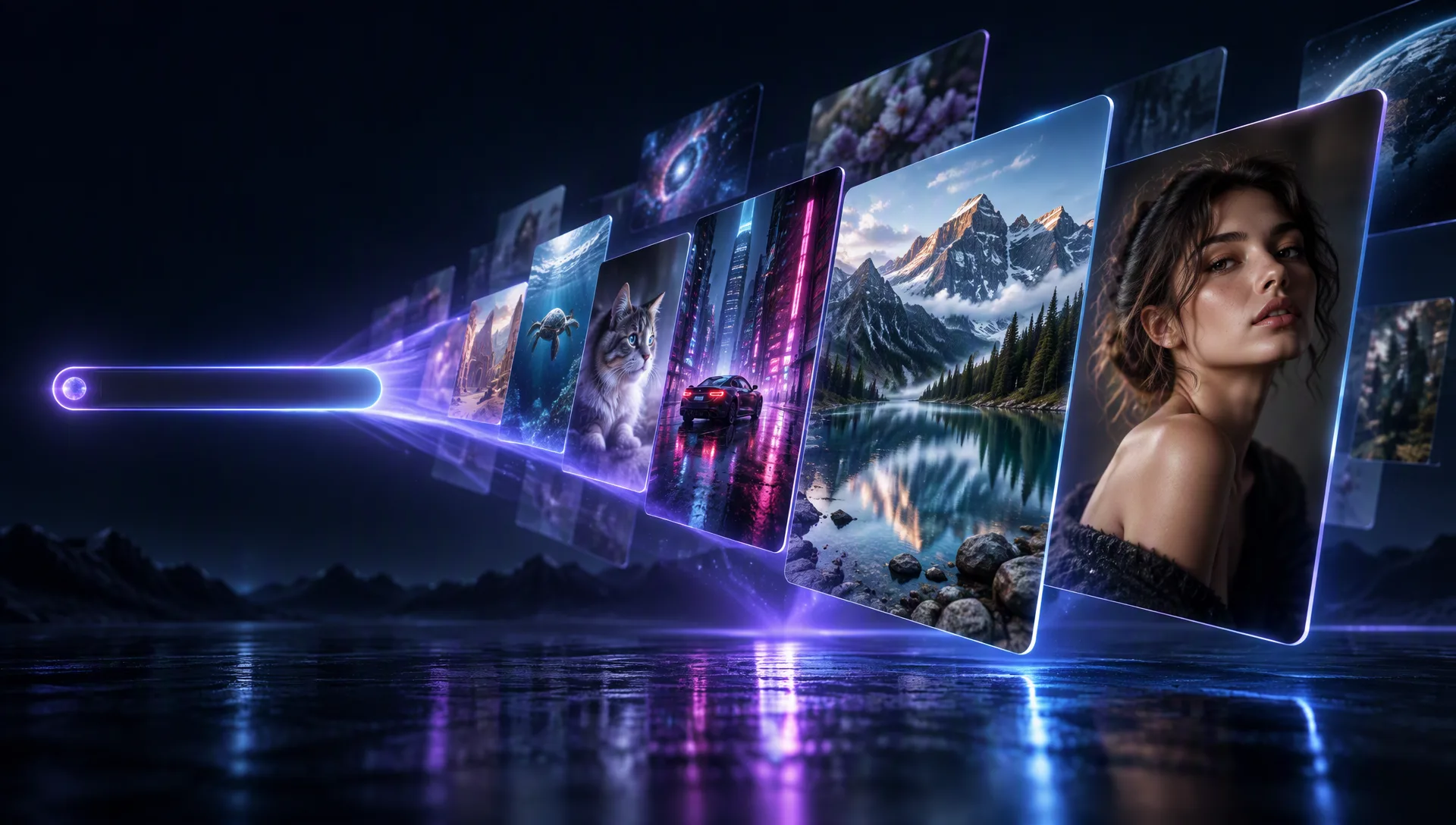
Seedream 5.5 is the generation after Seedream 5.0 Pro: text-to-image, edits that steer with up to ten reference images, and interactive multi-turn work — on Moosky in the browser and through the API, on one per-image credit balance with the quote before the run.
Model Options
Choose the workflow that fits your scene
Searching Seedream 5.5 usually means one of two things: try the new model today, or weigh it against the shelf's other engines. One balance runs every model here on the same brief.
Seedream 5.5
ByteDance's new image model, served in the browser on your Moosky balance: text-to-image, single- and multi-reference edits up to ten images, interactive sessions, and PNG/JPEG output with documented transparent-background support — quoted per image before it runs.
GPT Image 2.5
When the deliverable is English-first — headline kerning, catalogue layouts, pack-shot polish — run the same brief through GPT Image 2.5 on the same balance and keep the winner per job.
Seedream 5.0 Pro
The model this family built on — still on the shelf for multilingual on-image text and its own reference kit, on the identical balance, so the launch comparison is a tab away rather than a second subscription.
Why use it on Moosky AI
Launch-day specs, kept honest
Everything technical below is stated exactly as ByteDance's Seedream 5.5 API documentation states it. Our measured same-prompt comparison publishes on the blog with the launch.
Text to image, documented tiers
Prompt in plain language and deliver at the 1K, 1.5K, or 2K tier — or set exact pixel dimensions inside the model's documented width-height budget.
Ten references, one plate
Image-to-image accepts up to ten reference images per request, so identity, wardrobe, product, and lighting travel together into the new scene.
Interactive multi-turn editing
The model documents interactive editing sessions: refine the accepted plate turn by turn instead of re-briefing from scratch on every change.
PNG, JPEG, or transparent
Output defaults to PNG with JPEG optional, and backgrounds render transparent, opaque, or model-chosen — RGBA is documented for both text-to-image and reference edits.
Aspect ratios, wide open
Requests cover aspect ratios from 1:16 to 16:1 inside the documented pixel budget — vertical reels, wide banners, and squares, each quoted before the run.
One balance, whole image shelf
Run the same brief through GPT Image 2.5 and Seedream 5.0 Pro on the identical credit balance, then hand the winner to Seedance 2.5 for motion.
How It Works
Three steps from brief to plate
Write the brief
Describe the shot — subject, lighting, layout, on-image copy — and attach up to ten references when an identity or product has to hold.
Quote, then render
The composer shows the exact credit cost of your size, format, and reference bundle before anything runs; failed generations refund automatically.
Iterate on the plate
Keep the accepted plate and edit it turn by turn, or send the still on to upscaling and image-to-video on the same balance.
Launch-window honesty: what this page can promise today
A new image model lands in a strange window: the vendor's documentation is out, the field's verdicts are not. This page keeps the two apart. Everything technical above — ten reference images, the 1K/1.5K/2K tiers, PNG and JPEG output, transparent backgrounds, 1:16-to-16:1 aspect coverage — is stated exactly as ByteDance's Seedream 5.5 API documentation states it, and nothing beyond it.
What no launch page can honestly promise yet is the keeper question: does it hold a face across references, can it kern a headline, where does it land against GPT Image 2.5 and Seedream 5.0 Pro on your actual brief. Those questions get one answer here — run your real brief through all three on one credit balance and let your numbers, not a marketing table, decide.
The hands-on comparison — same prompts, side by side, with the outputs published — lives on the blog for that intent, and this page stays the tool lane: open the composer, quote the run, render.
Credit-based
Simple, honest pricing
No subscriptions and no expiring image quota. Credits buy at 100 per dollar and never expire; the composer quotes the exact credit cost of your Seedream 5.5 run — size, format, and reference count — before it starts, and failed generations refund automatically.
More from Moosky AI
Explore our complete suite of AI tools.
Frequently Asked Questions
What is Seedream 5.5?
Seedream 5.5 is ByteDance's newest image model, the generation that follows Seedream 5.0 Pro in the same family. Its API documentation covers text-to-image, single- and multi-reference image-to-image with up to ten reference images, and interactive multi-turn editing, with PNG/JPEG output and transparent-background support. On Moosky it runs in the browser and through the Moosky API — no console account and no key to manage.
Is Seedream 5.5 available on Moosky?
Yes — the launch release arrives on Moosky next to the rest of the image shelf. Seedream 5.5, Seedream 5.0 Pro, and GPT Image 2.5 all run on one never-expiring credit balance, quoted per image before the run, with failed generations refunded automatically. Nothing to activate and no plan pack with a fuse on it.
What do people make with Seedream 5.5?
Campaign stills and product plates, character sheets built from multiple references, poster and packaging drafts, and clean source frames for image-to-video. Because the same brief can run through every model on the shelf, the usual launch-week workflow is one comparison pass, then a repeatable plate on the engine that won your job.
How is Seedream 5.5 different from Seedream 5.0 Pro?
It is the next generation of the same family. Per ByteDance's published documentation, the noted deltas include PNG as the default output format (where 5.0 Pro defaults to JPEG), the 1K/1.5K/2K delivery tiers, the ten-reference input ceiling, and a quality-first prompt-optimization mode. Our own same-prompt hands-on — photoreal, product shots, multi-reference consistency, editing — publishes beside the launch on the Moosky blog.
Do I need an API key or a console account to use it?
Not for browser work: sign in to Moosky and the composer quotes the run. If you already hold provider API keys, that lane stays yours for whatever you own there. If you want programmatic access through Moosky instead, the developer docs cover the API and the MCP path against your Moosky account.
Can I call Seedream 5.5 through the Moosky API or MCP?
Yes — that is the developer lane: one account, keys on the developer page, the OpenAPI reference at api.moosky.ai/docs, and MCP connections on the same balance as the browser. The model's documented response shape is a non-streaming result with per-image output metadata, which the Moosky execution API wraps in the same queue-and-poll flow as every other model on the shelf.
What sizes and formats does Seedream 5.5 output?
The documented delivery tiers are 1K, 1.5K, and 2K, with explicit width-height requests inside the published pixel budget and aspect ratios from 1:16 to 16:1. Output is PNG by default with JPEG optional, and backgrounds render transparent, opaque, or model-chosen.
How much does a Seedream 5.5 image cost on Moosky?
In credits, like everything else on the shelf: credits buy at 100 per dollar and never expire, the composer quotes the exact credit cost of your size, format, and reference bundle before the run starts, and failed generations refund automatically. There is no subscription and no expiring image quota — a quiet month costs nothing.
Can Seedream 5.5 stills become video?
That is the ByteDance pipeline — the family's image models feed its video models. On Moosky the hand-off is a tab away: send an accepted plate to Seedance 2.5, Wan 3.0, or LTX 2.5 image-to-video and get a clip with synced dialogue and sound, priced per clip on the same credit balance.
Disclosure
Moosky AI is an independent platform provider and reseller of AI model access. Product names, model names, and company names shown on this page belong to their respective owners. Moosky AI is not officially affiliated with, sponsored by, or endorsed by those providers unless expressly stated. Page content, examples, and previews may include AI-assisted and synthetic content.