Moosky AI field guide
How to Make a Game Trailer with AI: A 2026 Beat-by-Beat Workflow
Make an AI game trailer the way a trailer house cuts one: hook, feature montage, boss reveal, logo sting, on Wan 3.0, LTX 2.5, and CosyVoice — with the honest credit cost per beat.
On this page
A game trailer in 2026, straight answer: you do not "generate a trailer," you cut one from a beat sheet the way a trailer house does — hook, feature montage, boss reveal, logo sting — and you produce each beat on the engine that fits the motion, not one model for everything. On Moosky the pattern is: brief the beats to Project Director, draft every idea cheap on LTX 2.5, carry the keepers to Wan 3.0 for physics-grade cinematic motion, lay a CosyVoice voice-over on the spine, and export the Steam hero, the animated capsule, and the vertical teaser from one planned cut. The whole thing is priced in credits per beat before you spend a single one. This is the doing side of the AI Game Trailer generator page: the workflow and the bill, not the pitch.
This guide assumes you have a game — an early build, concept art, or at least a genre and a few set pieces. It is written for the indie dev who needs a Steam page hero and a weekly devlog cut without a trailer-house quote or an editor on retainer.
Why gamers punish a bad AI trailer (and how the workflow avoids it)
Gamers are the most slop-averse audience on the internet, and the tell is always motion, not the art: floating cameras that drift with no operator, weightless turns, crowds that shuffle instead of react, a boss that slides across the floor. A single floaty beat in the back half and the comments thread becomes a post-mortem on "is this even real."
Two rules keep a trailer honest:
- Build the cinematic beats on a physics-grade engine, so weight, collision, and camera reads as captured footage rather than generative mush. That is what Wan 3.0 is for — its motion carries the weight an audience notices.
- Keep your real gameplay capture inside the trailer. The AI beats sell the world and the tone; your actual build sells the game. The join reads honest because the gameplay section is literally your game.
The workflow below is built around that split: AI cinematic beats for the hook, the reveal, and the transitions; your own capture for the "and here is the game" segment. For the film/festival shape (a narrative arc, a voice-of-god trailer, a cold open that is a movie not a game) the sibling walkthrough is How to Make a Movie Trailer with AI — same platform, different dramatic shape. This page is store-page economics.
Start from a beat sheet, not from cool clips
The mistake that sinks first-time AI trailer work is prompting a pile of impressive shots and trying to assemble them afterward. They look great individually and cut together like a screensaver. Write the beat sheet first — eight to twelve lines, one per beat — because a trailer has its own dramatic arc that is separate from your game's:
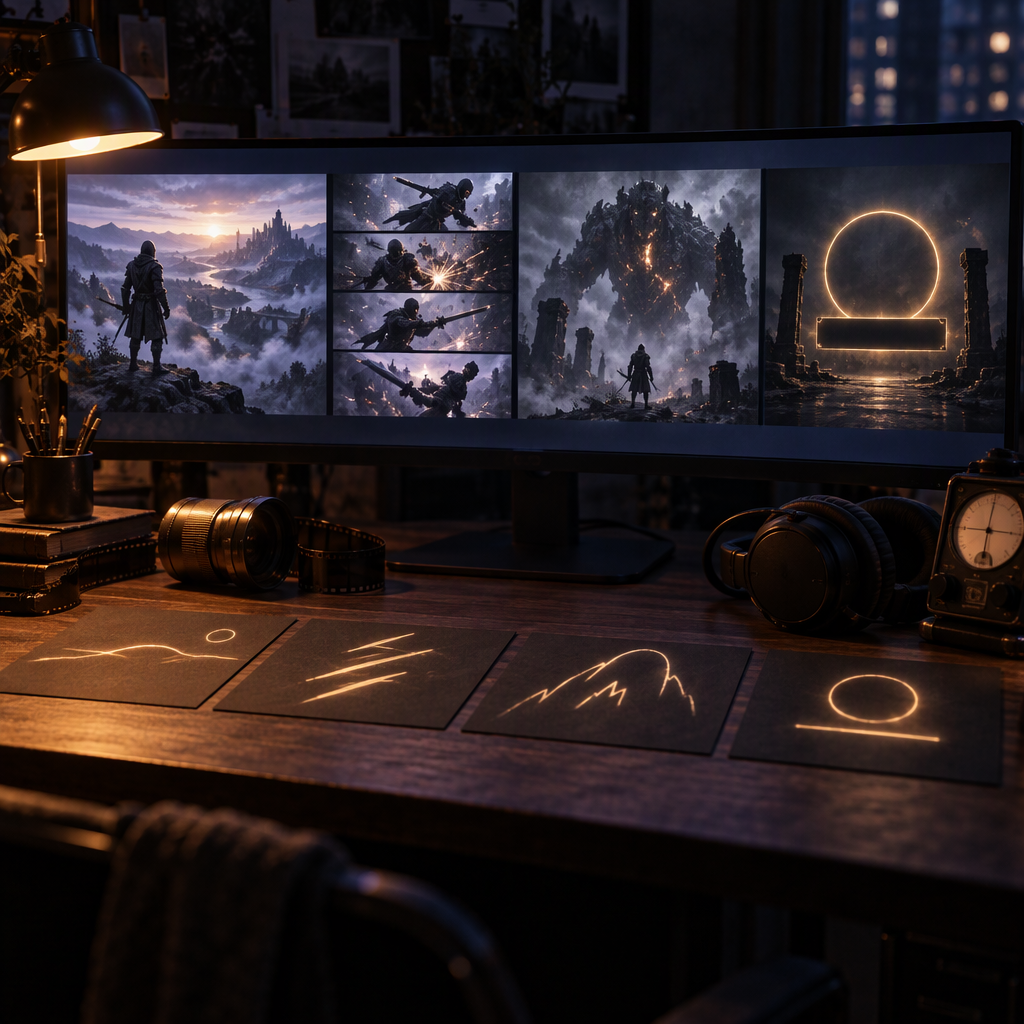
- Hook (0–6s). One striking image that poses a question. A silhouette against the world, a single mechanic landing, a hard cut to black on a sound. No logo yet, no menu.
- Setup / world (6–18s). Who and where, in fragments. The genre made visible — the town, the dungeon, the track, the deck.
- Feature montage (18–45s). The back half. Cuts get shorter, stakes climb. Show the genres the game promises: the combat loop, the build, the co-op, the thing nobody else does.
- Boss / peak reveal (45–60s). The moment you have been holding back. The enemy, the finale, the record time, the reveal nobody was ready for.
- Logo sting + CTA (60–75s). A sudden stop, a beat of near-silence, the title card, the store button or the "Wishlist now" line.
The pacing rule that separates a studio cut from a fan cut: average shot length shrinks as the trailer progresses. Open beats can hold four or five seconds; by the feature montage you are landing one-and-a-half to two-second hits; the logo sting gives the eye nothing to grab. Each beat on the sheet, write the shot (wide, close-up, gameplay insert), the emotion, and the target seconds. That sheet is what you brief the director with, and it is what keeps your credit balance from melting on pretty shots you never use.
Briefing Project Director with the beat sheet
Open Project Director and describe the project as a game trailer, not a film. Paste the beat sheet as the brief. Be explicit about format on the first message: "45 to 60 second Steam hero cut, twelve beats, no on-screen text except the final title card, end on a hold frame for the logo." The director scripts the beats, drafts them, and prices the whole run before anything renders — so you trim scenes now rather than mid-generation.
The reference-locking step matters more for games than any other format. Gamers notice when the protagonist's armor changes between beat three and beat nine. Lock your art direction first: attach concept art and two or three key-frame stills of the actual world as references so the trailer inherits your palette, silhouettes, and set dressing instead of drifting into generic sci-fi. If your trailer has a recurring hero or a signature location, spend your first credit round generating and approving those reference stills before you render any motion. The deep dive is the character-consistent AI video guide, and the mode itself is in What is Reference-to-Video (R2V).
Pick the engine per beat, not one model for everything
A game trailer is not one render — it is a mix of cheap iteration work and expensive hero work, and the cheapest trailer is the one that never drafts on the premium engine. On Moosky the engines split cleanly:
| Beat type | Engine | Why it's the pick | Honest ceiling |
|---|---|---|---|
| Fast drafts, capsule loop, vertical teaser, thumbnail framings | LTX 2.5 | Renders cheap and fast — test framings here, carry only the winner forward. Low credits per test clip, same balance, same project. | Single-shot length caps at ~20s and only at 1080P or below; not built for big athletic action |
| The hook, the boss reveal, any beat where the camera moves or something collides | Wan 3.0 | Physics-grade motion — weight, collision, crowds, weather, the hard push-in read as captured footage. Lower credits per clip than the flagship tier, so a devlog pipeline affords volume. | Exact lip-sync is unreliable; on-screen text is approximate (bake the title card separately) |
| One continuous 16–30s cinematic one-take, or a 4K delivery master from a start frame | Seedance 2.5 / 2.0 | The length-and-reference engine and the resolution engine — flagship instruction following for the money shot | Premium, high-cost pick; on a tight budget Wan 3.0 carries most beats |
| The voice-over and the logo sting VO | CosyVoice (via narration) | Clone or pick a narrator voice, scenes conform to the spoken line, the music bed ducks under it. Saved per channel. | VO is scripted per project; budget re-takes the same way as any beat |
The drafting loop is the money decision. Draft every beat at LTX 2.5's low tier, read it like an editor, and only re-render the beats that survive on Wan 3.0 for the hero cut. A weekly devlog trailer is mostly LTX drafts plus two or three Wan beats; a launch trailer is twelve to twenty beats with re-takes. For the prompt grammar that makes a single clip land — camera verbs, motion slots, the "no dialogue" and "no background music" sentences — the model-specific recipes are in the LTX 2.3 prompt playbook and the Wan 3.0 workflow guide.
The credit cost per deliverable, before you render
Everything below is quoted in Moosky credits, at a fixed 100 credits = $1, bought in packages, no subscription, never expiring. The composer shows the exact number on the run button before anything dispatches, and failed runs refund themselves. These are the live list prices from the two engines' pricing code, so you can budget a session instead of guessing:
Hero cinematic beats (Wan 3.0) — flat duration × resolution, rounded per second, no base fee:
| Clip length | 480P (draft) | 720P | 1080P (hero) |
|---|---|---|---|
| 3s (default) | 24 | 47 | 93 |
| 5s | 39 | 77 | 154 |
| 10s | 77 | 154 | 308 |
| 15s | 116 | 231 | 462 |
| 30s (max) | 231 | 462 | 924 |
Drafts and store variants (LTX 2.5) — billed per second of output, flat by resolution tier:
| Clip | Resolution | About | Use in a trailer |
|---|---|---|---|
| 4s | 720P | 66 credits (~$0.66) | idea smoke test, vertical teaser draft |
| 8s | 720P | 121 credits (~$1.21) | motion draft for a hook or montage beat |
| 6s | 1080P | 130 credits (~$1.30) | capsule loop hero frame |
| 10s | 1440P | 303 credits (~$3.03) | high-pixel Steam-page hero insert |
| 10s | 4K | 472 credits (~$4.72) | delivery master for a launch trailer |
The shape follows: draft at 720P, lock the take, spend the 1080P / 1440P / 4K credits once, on the shot you kept. The 1440P and 4K LTX tiers cap a clip at 10 seconds; 1080P runs to 20. A voice-over costs no separate line — narration is priced per finished video inside the Project Director run (a ten-minute narrated upload lands $25–70 in credits depending on scene count and re-takes; a sub-minute trailer VO is a fraction of that), and the narration and script passes are cheap — the picture is where the budget goes. The per-usable-clip economics, including why you pay for re-takes, are worked out in What a usable clip actually costs.
A worked bill: a 45-second launch cut. Twelve beats. Draft all twelve at LTX 720P 4–8s: roughly 800–1,450 credits (a 4s draft is 66, an 8s draft is 121, so twelve span 792 to 1,452). Re-render the three keepers — the hook, the boss reveal, the logo-sting button — at Wan 1080P 10s: 924 credits (308 each; 462 each if you take them to 15s). One 4K hero insert on LTX for the Steam page: about 472 credits. Whole trailer including the drafts that didn't survive: 2,400 credits, roughly $24, on a balance you can top up weekly for the devlog. The same brief at a trailer house is three figures before the first revision. If a single beat isn't worth the hero-tier price, it wasn't worth approving at draft tier either — that's the filter.
Cut the three store versions from one spine
A launch needs three cuts, and you plan them once rather than building them three times:
- Steam page hero (16:9). The 45–60 second trailer at 1920×1080. This is the locked cut — get it right first. The hero carries the Steam "About this game" movie slot and the capsule.
- Animated capsule loop. A short looping clip (a few seconds, seamless in-and-out) for the Steam animated capsule tile. Re-render the single best beat as a clean loop rather than trimming the trailer silently to black.
- Vertical teaser (1080×1920). Shorts and TikTok carry most game discovery now. Rather than cropping the landscape render and losing your framing, re-run the hook, the feature montage, and the boss reveal at portrait and cut a 15-second version on the same balance.
For the title card and the "Wishlist now" / store button text: generate a clean end frame as its own beat with no text in the prompt, then lay the type on afterward in your editor or by baking it into a generated still. Video models are getting better at short text, but a mistitled logo sting in the last two seconds of your trailer is exactly where you do not want to find out.
The devlog cadence: re-render only what moved
The thing the AI workflow unlocks is volume a trailer house can't price. When Friday's build changes, you do not re-cut the whole trailer — you re-render only the beats whose gameplay changed. The spine, the references, and the music stay locked; one new mechanic gets one new hero beat on Wan; the LTX drafts and the VO are reused. A weekly devlog trailer costs a handful of runs on the same balance, not a production invoice, and the launch pitch cut for the crowdfunding or Steam coming-soon page comes out of the same project. That cadence is the actual argument for keeping the trailer pipeline in-house: you iterate the cut until it sells the game, and a re-take costs minutes instead of a production day.
For commercial use there's no licensing tier to unlock — everything you generate downloads watermark-free and is cleared for your Steam page, Kickstarter campaign, paid ads, and monetized channels. Build it on the AI Game Trailer generator: brief the beats, draft on the fast lane, promote the keepers to the cinematic engine, and export every store cut from one spine.
Frequently asked questions
How do I make a game trailer with AI in 2026? Write a beat sheet first — hook, world, feature montage, boss reveal, logo sting — then brief it to Project Director and lock your art direction with concept-art and key-frame references. Draft every beat cheap on LTX 2.5, re-render the keepers on Wan 3.0 for physics-grade motion, lay a CosyVoice voice-over on the spine, and export the Steam hero, the animated capsule, and the vertical teaser from one planned cut.
How much does an AI game trailer cost? In credits at 100 per dollar, quoted before every run, refunding failures. A single hero beat is 24 credits to draft (3s at 480P) up to 924 for a full 30-second 1080P Wan one-take; a 10-second 4K LTX hero insert is about 472. A worked 45-second launch cut — twelve drafted beats plus three promoted heroes plus a 4K master — lands roughly 2,400 credits, about $24. A weekly devlog is a handful of fast drafts plus two or three hero beats on the same non-expiring balance.
Will an AI-made trailer hurt how gamers see my game? Only if the motion looks fake — that's the tell audiences react to. Two fixes: build the cinematic beats on a physics-grade engine (Wan 3.0) instead of floaty generic motion, and keep real gameplay capture in the back half. The AI beats sell the world and tone; your actual build sells the game.
Can you make the Steam hero video and the animated capsule? Yes — from one plan. The trailer exports as separate cuts from one spine: the 16:9 hero movie for the Steam page, a short seamless loop for the animated capsule, and a vertical teaser for TikTok and Shorts. Re-render only the cut that changed.
Can I turn my own game screenshots and clips into an AI trailer? For the motion beats, yes — attach gameplay stills and key-frame screenshots as references and the image-to-video engines (Wan 3.0, LTX 2.5) animate them into cinematic beats inside the same project. Keep your raw gameplay capture clips for the "here's the game" segment; Moosky generates the cinematic beats around your build, it doesn't re-edit your raw footage for you.
What's the difference between this and a movie trailer? The job and the arc. A film trailer follows a narrative shape — cold open, setup, escalation, button — for an opening weekend. A game trailer is built around store-page conversion: a hook, a feature montage that sells the mechanics, a boss or peak reveal, and a logo sting that points at the wishlist. Same platform, different beats.
Can I use the trailer for Kickstarter, Steam, and paid ads? Yes. Everything you generate downloads watermark-free and is cleared for commercial use — store pages, crowdfunding campaigns, monetized channels, and paid placements — with no attribution requirement and no premium license tier.
Create with Moosky AI
Turn ideas into finished productions
Access leading AI models and production workflows from one workspace.
Try Moosky AIComments
Comments are reviewed before they appear publicly.
Join the discussion —sign inorcreate an accountto leave a comment.
No approved comments yet. Start the conversation.