The Moosky Image Suite
Moosky Images:
One Studio, Every
Named Image Engine.
Moosky Images is the image side of Moosky: AI image generation and prompt-based editing on named engines — GPT Image 2.5, Wan 2.7 Image, Z-Image Turbo, and Moosky Image Edit — all hosted in your browser on one prepaid credit balance.
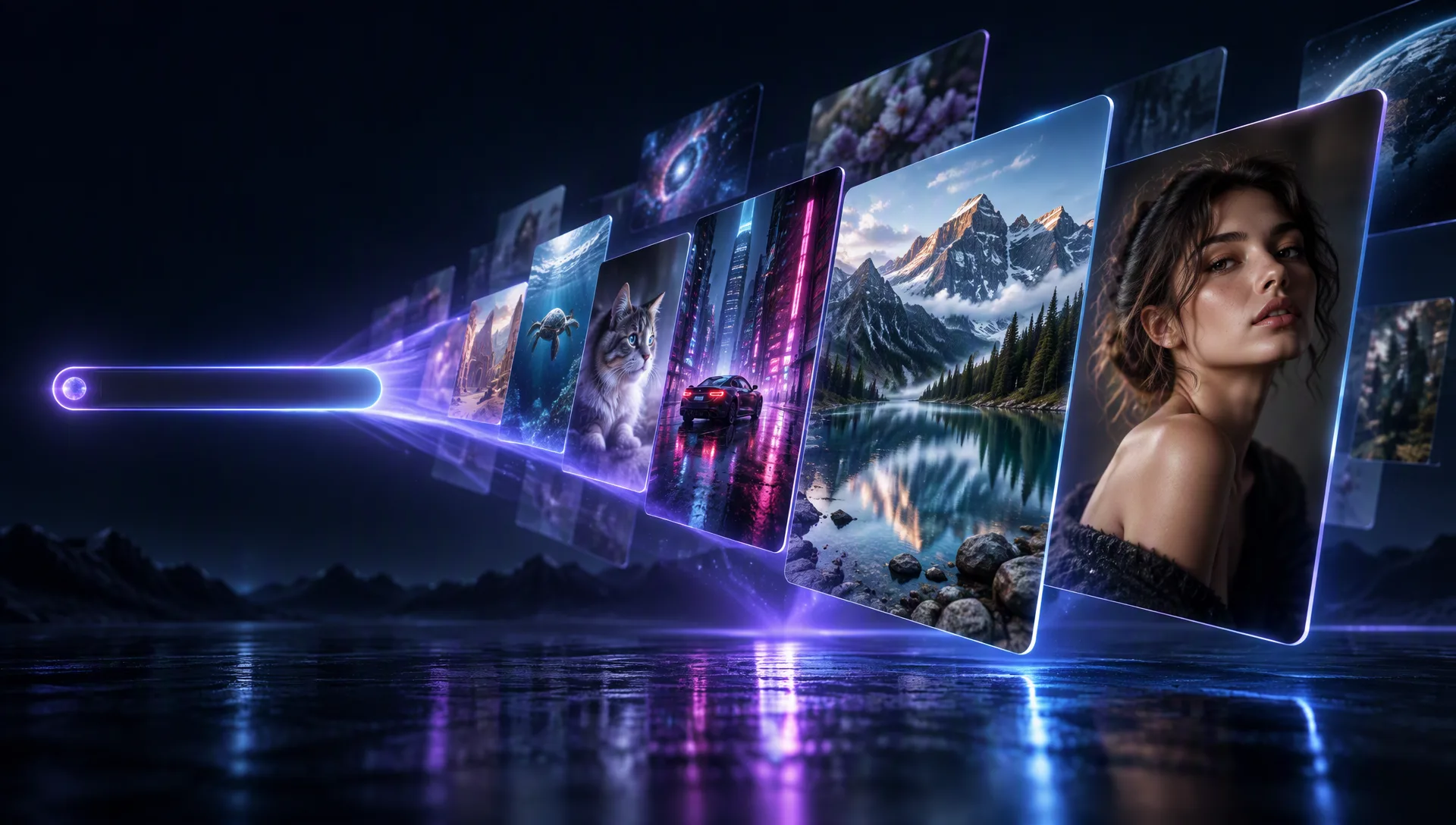
Model Options
The image lineup, named model by model
No hidden router and no mystery plumbing: each engine is picked by reputation for a known job — photographic finals, stylized drafts, cheap volume passes, or prompt-directed edits of an existing photo.
GPT Image 2.5
The photographic flagship for finals: lifelike lighting and skin, strong on-image typography, and reference-guided composition that keeps a product or a character consistent across takes. Open its full page for specs, pricing shape, and the live examples.
Wan 2.7 Image
The workhorse for stylized stills and image-to-image edits — Regular for fast 1080P drafts, Pro for 4K finals, with multi-reference conditioning to hold a look. Its page walks the two tiers and the credit ladder.
Z-Image Turbo
The fast, low-credit draft lane: block out compositions, storyboards, and social imagery by the dozen, then promote only the keepers to a premium engine — all billed on the same balance.
Moosky Image Edit
The house editor for changing an existing photo: swap backgrounds, restyle a subject, or inpaint with plain-language instructions and an optional reference image, at a fraction of flagship rates.
Why use it on Moosky AI
What the image suite actually gives you
Generation, editing, and the billing reality around them — the four things brand searchers ask before they trust an image tool with a deadline.
Generate and edit in one tab
Prompt a new still or transform an existing photo without switching tools — both lanes live in the same browser studio, on the same account and balance.
Engines you can pick
Pick GPT Image 2.5 for photographic finals, Wan 2.7 Image for stylized work, Z-Image Turbo for drafts, Moosky Image Edit for edits. No anonymous router deciding your output for you.
The quote precedes the render
Every run shows its exact credit cost on screen before anything dispatches, so a draft costs what it says it costs and a surprise bill never arrives.
Clean files, cleared for clients
Exports arrive watermark-free and usable in ads, client deliverables, product listings, and monetized channels under the platform and provider terms.
One balance, all tools
Credits buy at 100 per dollar and never expire — the same pool covers drafts, finals, edits, upscaling, and the video a finished still can become.
Cheap drafts, premium finals
Block out twenty ideas on the fast lane, keep the winner, and re-render it on the flagship — the house workflow that keeps a shoot inside budget.
How It Works
From a blank prompt to a kept file
Open the studio
Create an account with no card — starter credits land in your balance before any payment screen exists.
Describe, or upload
Type the shot you want, or drop in a photo and say what should change — a background, a palette, an object, a style.
Pick the engine, read the quote
Choose the named model for the job and the screen shows the exact credit cost before the run dispatches.
Keep the file
Download the watermark-free result and ship it — or send it on to upscale, animation, or narration on the same balance.
What 'Moosky Images' means, said plainly
People typing the brand plus 'images' want one answer: what is the image product here, and is it real. Moosky Images is the image surface of Moosky AI — hosted generation and editing on named current engines, opened in a browser with no GPU, no checkpoint downloads, and no per-tool subscription. The output is a file you keep, not a preview locked behind someone's feed.
It is one account and one prepaid balance across the whole image loop: Z-Image Turbo for cheap volume passes, Wan 2.7 Image for stylized drafts to 4K finals, GPT Image 2.5 for photographic images and on-image text, and Moosky Image Edit for prompt-directed changes to a photo you already have. Failed runs refund automatically; credits never expire.
If you came for a single named model, its own page carries the specs, the credit ladder, and live examples — linked engine by engine above. If you came to compare Moosky against a stand-alone generator, the honest answer is on this page: named engines, quoted costs, and the surrounding studio tools on the same balance.
Credit-based
Simple, honest pricing
No subscription gate on the image suite: credits quote on screen before every run, buy at 100 per dollar, never expire, and failed renders refund automatically — one balance covers drafts, finals, edits, upscaling, and the clip a keeper can become.

More from Moosky AI
Explore our complete suite of AI tools.
Frequently Asked Questions
What are Moosky Images?
The image side of Moosky AI: AI image generation and prompt-based image editing, hosted in your browser on named engines — GPT Image 2.5, Wan 2.7 Image, Z-Image Turbo, and the house Moosky Image Edit. One account, one prepaid credit balance, watermark-free downloads. Each engine also has its own page here if you want its specs and pricing before you sign up for anything.
Is Moosky Images free to try?
Yes, in the way that matters. New accounts get up to 26 starter credits with no card — enough to run drafts on the fast lane and judge the output before you ever see a payment screen. After that it is pay-as-you-go: credits buy at 100 per dollar and never expire, so you top up for renders, not for monthly access.
Which AI image models does Moosky use?
The models are named on every composer card, not hidden behind a router: GPT Image 2.5 for photographic finals and on-image text, Wan 2.7 Image (Regular and Pro) for stylized generations and edits up to 4K, Z-Image Turbo for fast low-credit drafts, and Moosky Image Edit for prompt-directed photo edits. You pick the engine; the quote shows before the run.
Can I edit an existing photo, not just generate one?
Yes — that is the editing lane. Upload a photo and describe the change in plain language: swap the background, restyle the subject, remove an object, match a palette. Moosky Image Edit takes the instruction plus an optional reference image, and the flagship editors do the same with reference-guided composition for keeping a product or character consistent.
Do Moosky images have a watermark?
No. Exports from the hosted image composers come out watermark-free and clean for client work, product listings, ads, and monetized channels, subject to the platform and underlying provider terms. Free-tier watermarks and export gates belong to the credit-metered apps this page's engine cards let you skip.
How much do Moosky images cost?
Priced per run, not per month. The composer quotes the exact credit cost on screen before dispatch, credits buy at 100 per dollar, they never expire, and failed generations refund automatically. The cheap lane (Z-Image Turbo) is built for volume drafts; flagship passes are reserved for the keepers — that ladder is how working teams keep a shoot inside budget.
Can I use Moosky images commercially?
Everything you generate here downloads as a clean file cleared for commercial use — client deliverables, merchandise, thumbnails, ad creative — under Moosky's and the underlying provider's terms. There is no separate license hunt after the render, and nothing you keep depends on an active subscription.
How is Moosky different from a single-model image site?
Single-model sites sell you one renderer and a subscription to it. Moosky is a studio: several named engines on one balance, plus the surrounding tools a finished asset needs — upscaling with SeedVR2, animating the still into a clip, narration and voice-over — so the keeper leaves the studio done instead of getting pasted into three other apps.
Can Moosky turn an image into a video?
Yes. Any finished still can go straight to the image-to-video lane — Seedance 2.5 renders motion with dialogue, sound effects, and score in the same pass, and Wan 3.0 animates a defined move between a first and last frame. Same account, same credits, one continuous workflow from prompt to posted clip.
Can I upscale or restore an old photo on Moosky?
That is what the hosted SeedVR2 image restorer is for: upload a photo and rebuild it toward crisp high resolution in the browser — no GPU, no checkpoint downloads, no Python rig. The credit cost is quoted before the run, and the restored file downloads clean like everything else here.
Disclosure
Moosky AI is an independent platform provider and reseller of AI model access. Product names, model names, and company names shown on this page belong to their respective owners. Moosky AI is not officially affiliated with, sponsored by, or endorsed by those providers unless expressly stated. Page content, examples, and previews may include AI-assisted and synthetic content.