Moosky AI field guide
Video to Prompt: How to Reverse-Engineer a Prompt From Any Clip You Like
Reverse-engineer a prompt from a clip you like: the five-slot observation pass, clause-level iteration, and the r2v reference shortcut.
On this page
Video to Prompt: How to Reverse-Engineer a Prompt From Any Clip You Like
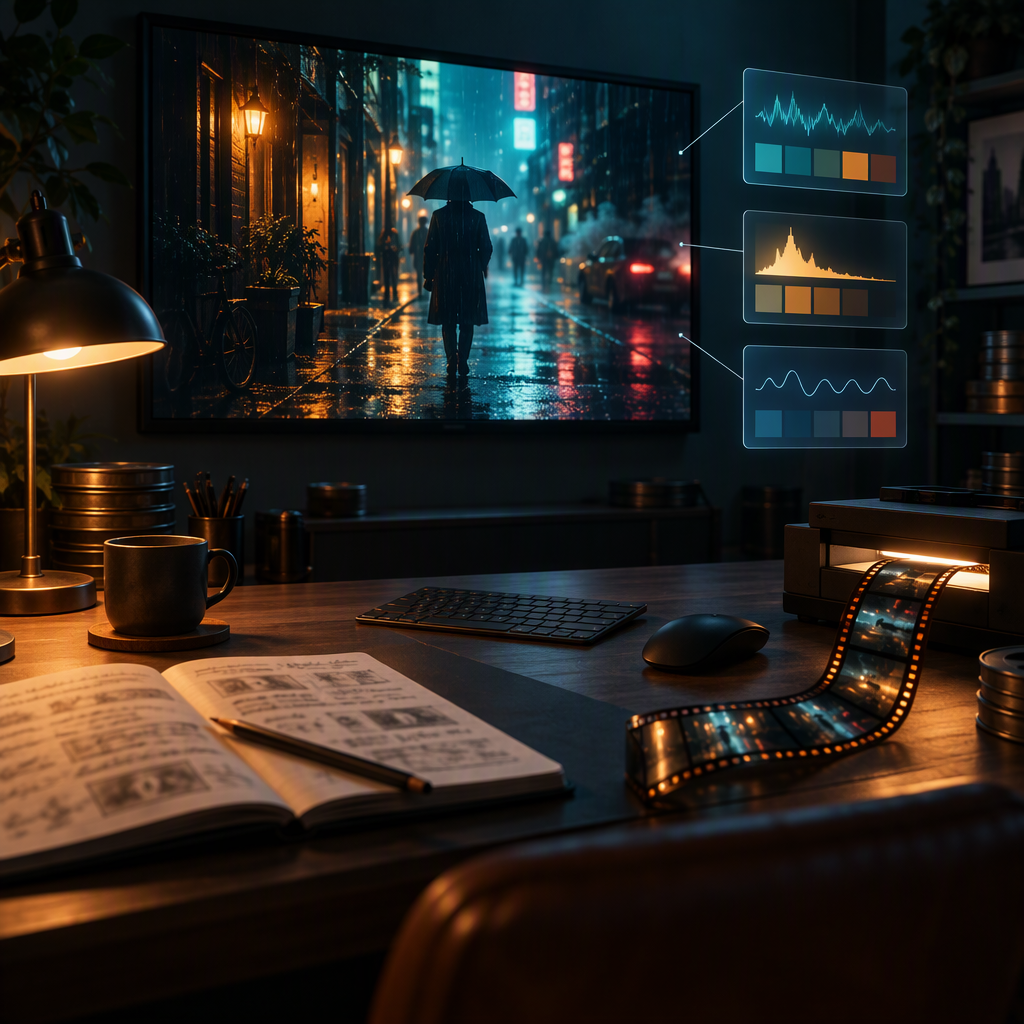
You watched a clip and knew what you wanted: that dolly-in, that wet-street glow, that timing. Open a text-to-video composer and the words evaporate — "cinematic neon alley shot" gets you a postcard, not the shot. The fix is not better adjectives. It is a reading pass: treat the clip like a frame-by-frame document, write down five things it answers, and the prompt assembles itself.
This guide is the video-to-prompt workflow on Moosky: how to observe a reference clip like an editor, turn the notes into a prompt the models actually honor, when to skip half the writing and feed the clip itself into Wan 3.0 R2V or MiniMax H3, and how to iterate from the gap between what you asked for and what rendered.
If your problem is the forward direction — an idea in your head that needs its first prompt — that is a different guide: the AI prompt video generator covers prompt anatomy from scratch, and the ChatGPT drafting loop covers pressure-testing a draft before you pay to render it. This piece owns the reverse direction: clip first, words after.
Why describing beats guessing
A video model spends most of its attention on the first half of your sentence. Guess at the shot and you spend credits re-rolling until the random draw happens to resemble what you saw. Read the shot first and every generation moves toward the reference deliberately.
There is a second reason extraction pays: a written pass is reusable and inspectable. When a take goes wrong, a paragraph of vibes gives you nothing to change. A structured prompt tells you which clause failed — camera, motion, or style — and a clause-level fix costs one regeneration.
The five-slot observation pass
Play the clip three times with a notebook open. First pass for content, second for the camera, third for texture. Fill these five slots:
- Subject. Who or what is in frame, and how many. Concrete nouns, not adjectives: "a lone cyclist in a yellow raincoat," not "a moody figure." If the subject turns, note what their profile looks like — that detail matters later if you attach a reference.
- Action. The thing that changes over the clip, stated as motion, not activity. "Pedaling hard out of the saddle" is an action; "riding a bike" is a still image with extra steps.
- Setting. Location and time of day, one clause. Note what makes the place specific — wet asphalt, tungsten signs, a specific room — and skip what the renderer will fill in anyway.
- Camera. Shot size (close-up, medium, wide), angle (eye-level, low, Dutch), and movement (push in, orbit, handheld, locked-off). This is the slot everyone skips and the one that separates an AI clip from a shot. A frame freeze at the start and end of the clip will tell you if the camera moved and in which direction — background parallax means the camera traveled; a rock-steady frame with moving subjects means it didn't.
- Style. One coherent cluster: lighting, palette, texture. "Sodium-vapor night, teal shadows, 35mm grain" is a cluster. Five unrelated style words is a mush recipe.
Turning observations into a prompt
Reorder the notes into the model's reading order: subject and action first (they earn the attention budget), camera language third, style last. Name the movement verb even when it feels obvious — and write "static lock-off" or "no camera movement" out in the open, because left unstated the model may invent drift of its own.
Then translate your eyeball notes into the terms the engines actually honor. Push in, pull out, orbit, pan, tilt, dolly along, drone ascent, handheld: the flagship models Moosky runs (Wan 3.0, MiniMax H3, Seedance 2.5, LTX 2.5) respond to real filmmaking vocabulary far better than to mood adjectives. A frozen frame makes the difference between "the camera moved" and "slow push in" visible — measure it by whether the subject grew or the background slid.
If a vision-capable chat is open in another tab, by all means feed it frames and ask for descriptions — but the writing half stays yours: the five slots above are what make its output a usable prompt rather than flowery captioning. The ChatGPT drafting guide covers how to run that loop well.
The shortcut: feed the clip itself
Words are one channel. Both of Moosky's reference-to-video composers take the clip too, and a reference does the describing for you.
Wan 3.0 R2V takes up to 10 reference images, 5 reference videos (15 seconds combined, and input-video seconds spend from the same 30-second budget as your output), and 5 standalone audio references in one generation. Attach the reference clip that carries the motion and pacing you want, and prompt only what changes: the new subject, the new setting. Upload order is meaning — the first video is Video 1 — and the prompt addresses references by those labels, so a motion reference gets cited, not implied. The full reference-steering workflow pins the caps and the 30-second trap to the composer's own code; the reference-to-video hub has the live lineup.
MiniMax H3 Ref2V is the same idea tuned for performance: 9 images, 3 video clips, 3 audio files, quoted dialogue performed with lip sync, duration 4–15 seconds, drafts at 768P and finals at 2K, failed runs refunded. Feed the clip as Video 1 and prompt the new scene around it — the H3 Ref2V workflow guide walks the whole sheet-building sequence.
A practical split: extraction into words when you want to remix the shot (new subject, new place, same feel), reference clips when you want to replace something inside the exact same shot feel. Most people over-write prompts for the second job; the clip is the shorter sentence.
Open the surfaces directly: the Wan 3.0 R2V page, the reference-to-video hub, and the MiniMax H3 composer. Like everything on Moosky they run on credits (100 = $1), the composer quotes the exact cost before you press generate, and failed runs are refunded.
The iteration loop: read the gap, change the clause
Compare the render against the reference frame by frame, and diagnose by slot:
| What drifted | The clause that failed | The fix |
|---|---|---|
| The camera does nothing (or wanders) | Camera | Name the movement verb and speed: "slow push in," "handheld follow," or state "static" |
| The mood is right, the shot is generic | Setting/subject | Add the one concrete detail that made the reference specific; drop vague atmosphere words |
| Beautiful frame, dead performance | Action | Your verb described a state, not a movement — rewrite as what changes |
| Style fights the subject | Style | Keep one cluster, move it to the end, cut the rest |
| Subject drifts between takes | Not a prompt problem | Attach an identity reference instead of describing harder — that is what the R2V slot is for |
Change one clause per re-roll and generate cheap first (drafts at the low resolution tier), escalating to finals only for takes that make the cut. Random re-rolls compare a guess to a coin flip; clause edits compare a hypothesis to evidence.
What extraction will not fix
Some shots cannot survive translation into text at all: a specific handheld wobble, an edit rhythm, the exact pacing of a push-in that speeds up at the end. Those live in the pixels, which is why the reference-clip path exists — write the parts that are stable as words, and cite the unstable parts by attaching the clip. When the prompt and the reference each carry what they are good at, you stop fighting the model for things it never had a chance to hear.
Create with Moosky AI
Turn ideas into finished productions
Access leading AI models and production workflows from one workspace.
Try Moosky AIComments
Comments are reviewed before they appear publicly.
Join the discussion — sign in or create an account to leave a comment.
No approved comments yet. Start the conversation.